Enterprise login on the go – Update April 2026
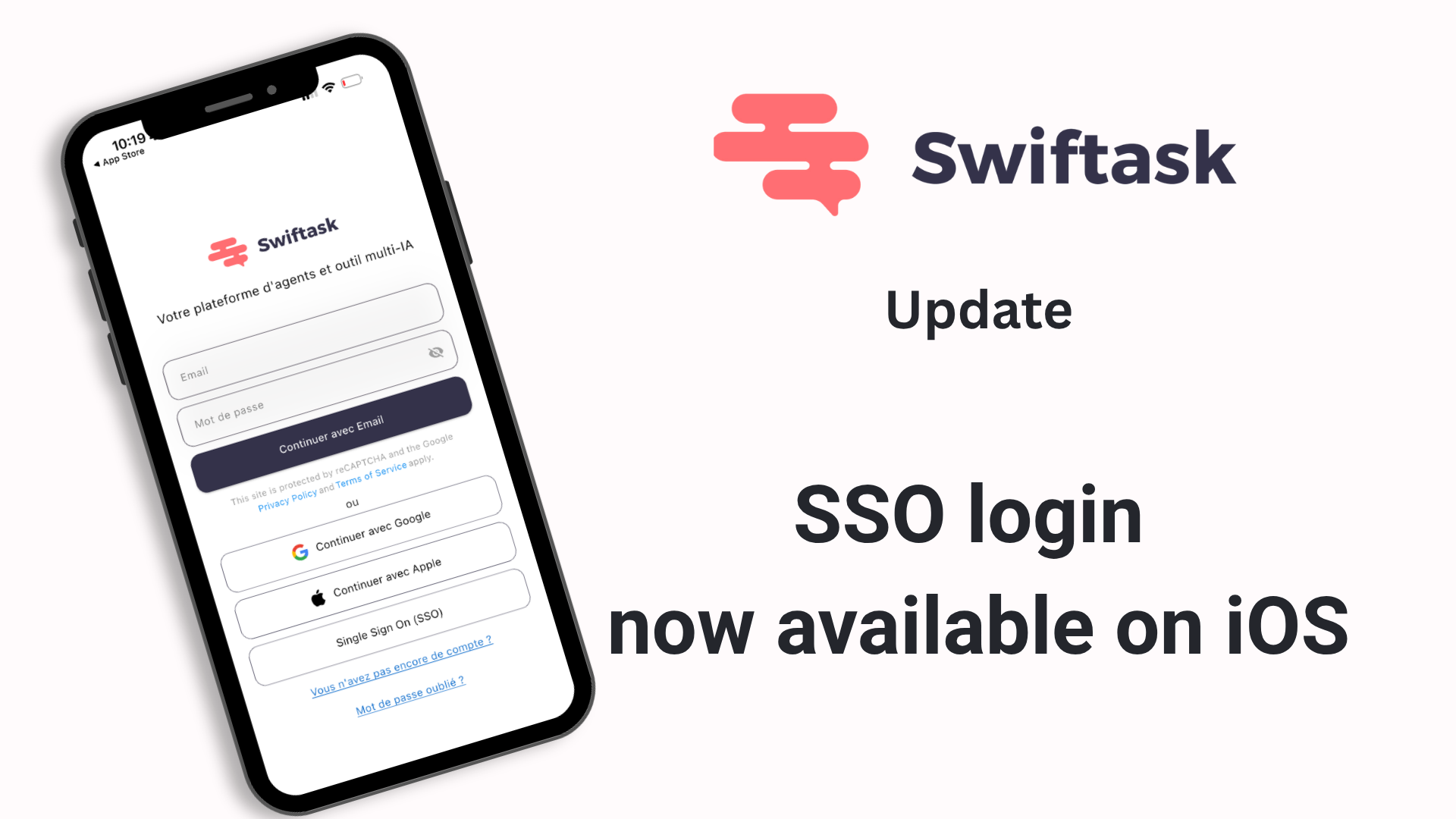
Your SSO credentials now work on mobile.
We're excited to announce that enterprise teams can now authenticate using SSO directly from the Swiftask mobile app. If your organization uses Single Sign-On (SAML via Azure AD, Okta, or other identity providers), you can now sign in from iOS with your corporate credentials—no workarounds, no separate passwords.
SSO login now available on iOS
Enterprise users with SSO-enabled workspaces can authenticate using their organization's identity provider directly from the mobile app. The mobile app now respects your workspace's SSO configuration, giving you the same seamless, secure login experience you have on the web.
Supported identity providers: Azure AD, Okta, and any SAML 2.0-compliant identity provider
Seamless integration: Uses your existing workspace SSO setup—no additional configuration needed
Available on: All Swiftask plans
Find it: Login screen → Sign in with SSO option (appears automatically if your workspace has SSO enabled)
Smoother, faster authentication flow
We've redesigned the entire login experience to be quicker and more intuitive. Whether you're signing in with email, OAuth (Google/Microsoft), or SSO, the process is now streamlined for speed and reliability.
Bug fixes and performance improvements
Improved stability and performance across the mobile app
Fixed minor issues affecting login reliability
Enhanced overall app responsiveness on iOS
How to get started
Update to iOS v1.0.24 from the App Store
Open Swiftask on your iPhone
At the login screen, if your workspace has SSO enabled, you'll see a "Sign in with SSO" option
Tap it and authenticate with your corporate credentials
You're in — no additional setup required
For workspace admins
SSO configuration is managed at the workspace level. If your organization isn't using SSO yet and you'd like to enable it, visit Workspace administration → SAML Configuration to get started. Once configured, all team members can authenticate via SSO on both web and mobile.
For detailed setup instructions, see the SSO/SAML documentation.
Available on: All Swiftask plans (Pro, Team Starter, Team Growth, and Custom)