Get full visibility into your team's AI usage — March 2026 Update
We're excited to introduce a new feature that gives admins deeper insights into user activity! You can now easily track and understand individual user usage within your workspace.
360° View: The ultimate dashboard for your users
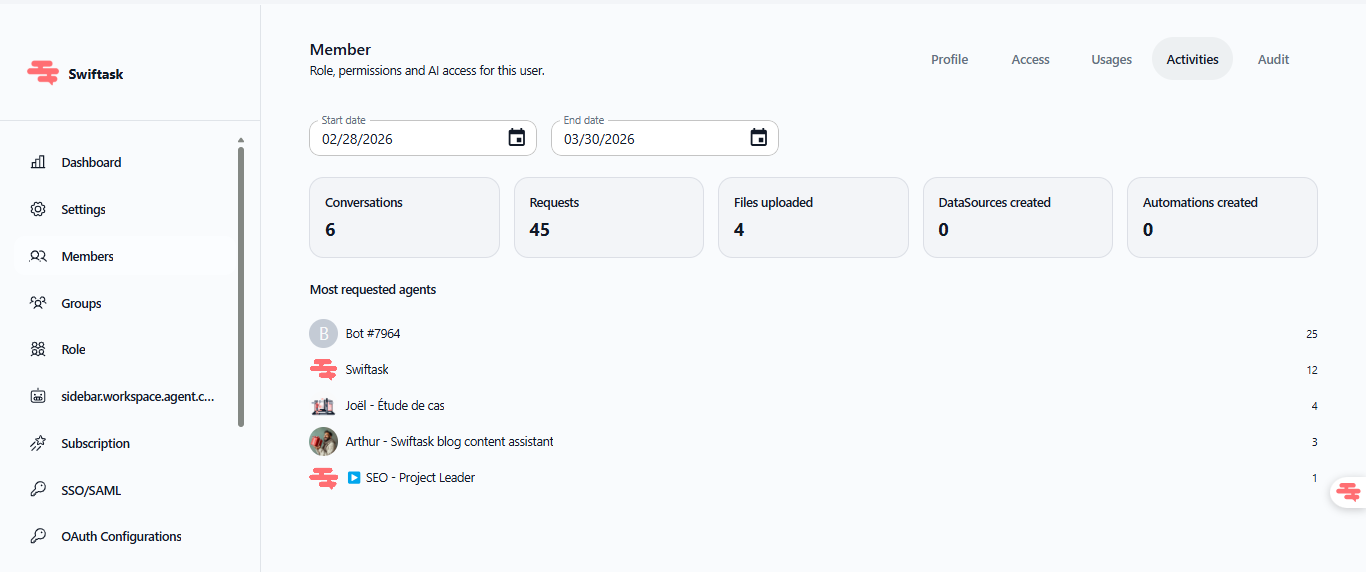
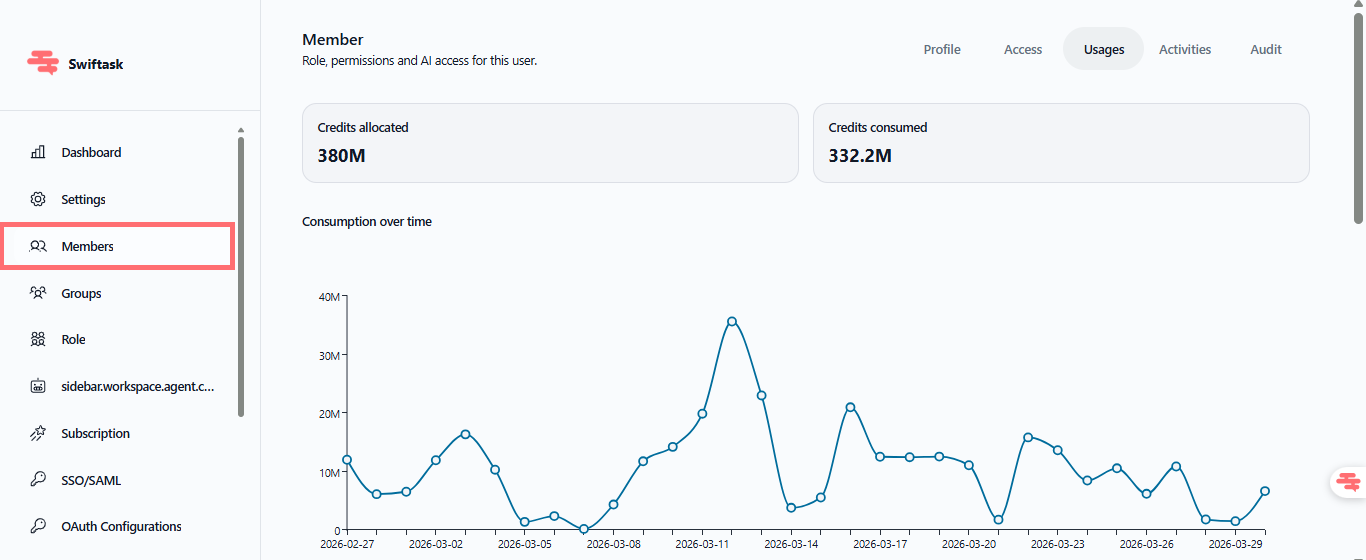
Administrators now have access to a comprehensive view of each member's activity—from credit consumption to agent creation and every action in between. Stop guessing who is doing what or where your AI budget is going.
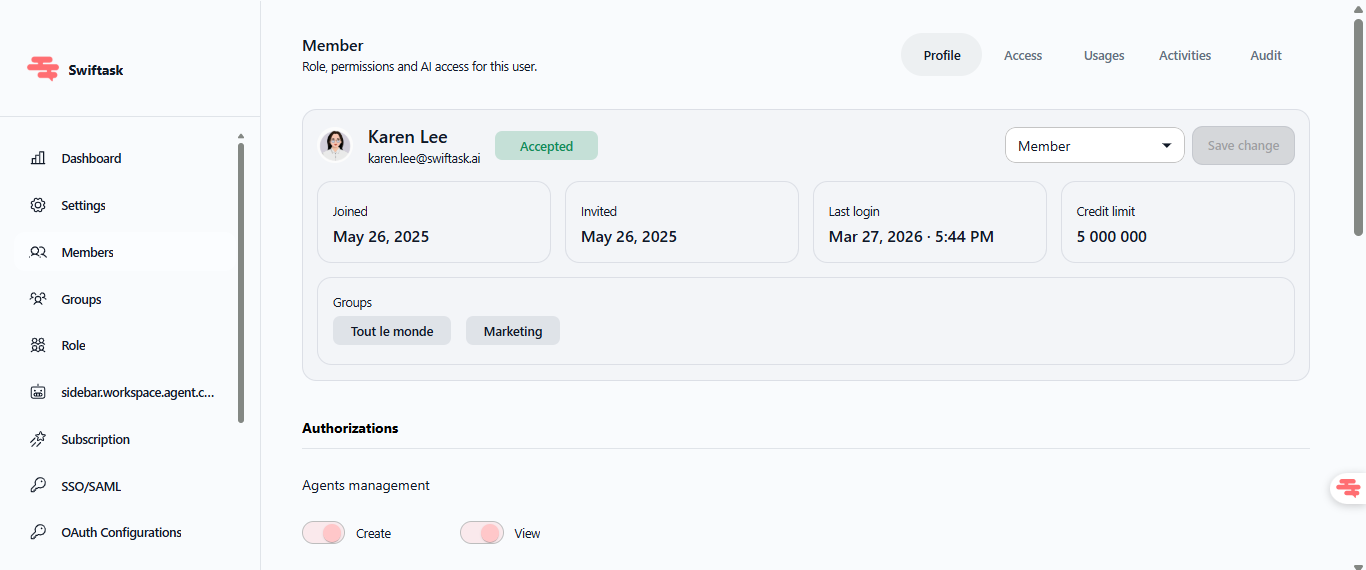
Complete profile: View join dates, last login, credit limits, group memberships, and all permissions (agent management, member roles, projects).
Agent management: Keep an eye on all agents created by the member, including authorized LLMs and associated projects.
Precise tracking: Monitor credit consumption and activity history in real-time.
Full audit: Access a detailed audit log of every action taken on Swiftask.
How to access it?
Available on all Team plans (Team Starter, Team Growth, Tailored/Enterprise).
Accessible by workspace administrators only.
Path: Settings → Workspace → Members. Select a member, then click the "eye" icon in the Action column.
This level of precision allows you to optimize your AI spending, ensure compliance, and easily identify top users who might need additional resources or training.