Analyze Your Data Without Burning Through Credits — Update April 2026
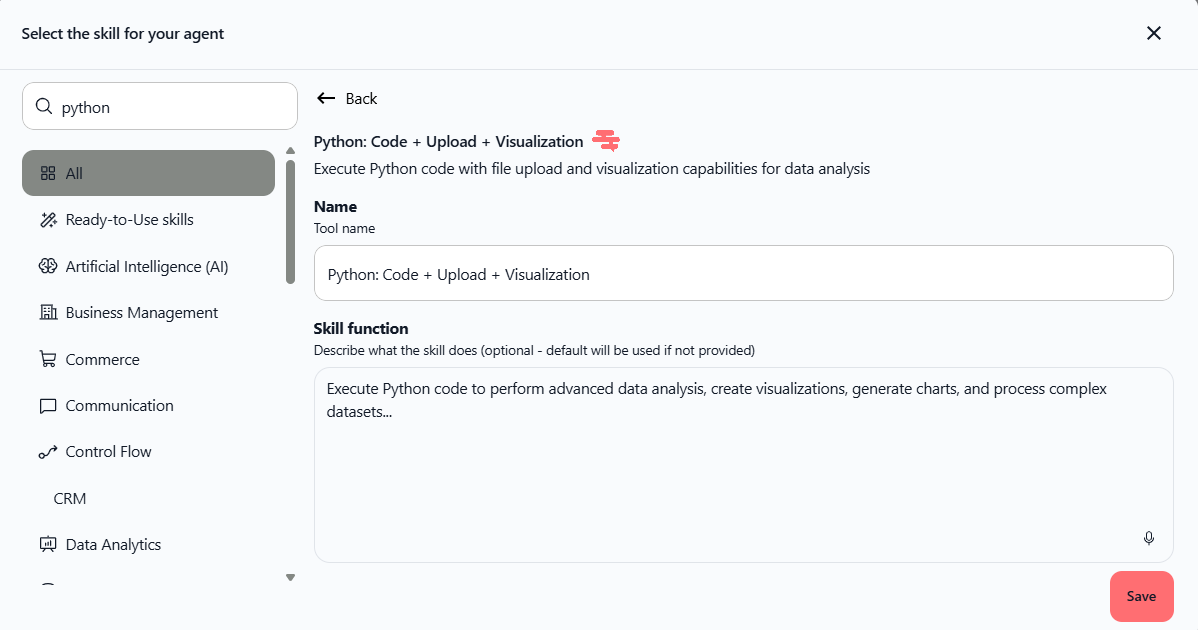
Good news: analyzing your Excel, CSV, or JSON files now costs a lot less. We've optimized the Python skill to use fewer credits while keeping all its power. More analyses, fewer expenses.
Your Analyses Cost Less
Every time you upload a file and request an analysis, the AI uses fewer credits. It's straightforward: you get more analyses with the same budget.
Reduced consumption across all data analyses
No limits: analyze as many files as you want
Same results: charts, stats, insights — nothing changes except the price
Generate Excel Files Directly
You can now ask the AI to create Excel files right away — perfect for exporting analyses, building reports, or sharing processed data.
Just say: "Create an Excel file with a summary by region and a chart"
Grab the file instantly in the chat with a download link
No more copy-pasting or manual data wrangling
Errors Get Fixed Faster
If something goes wrong, the AI fixes the issue without regenerating the whole code. Result: fewer wasted credits, more speed.
How to Use It
Open a chat with an agent
Click the + icon to add the Python: Code + Upload + Visualization skill
Upload your file (Excel, CSV, JSON, etc.)
Request an analysis: "Analyze this file and give me the key figures"
Or ask for an export: "Create an Excel with the summary by category"
The generated file shows up right away — download it in one click.
Common Use Cases
Analyze sales data → get a chart + an Excel with totals by region
Process a contact list → generate a cleaned and sorted Excel file
Summarize results → create a report with tables and charts
Compare periods → get visualizations and ready-to-share export files
Availability: All plans (Pro, Team Starter, Team Growth, Custom)
Tip: With this optimization, now's the perfect time to automate your regular data analyses. Save time and cut costs on credits.