New AI Models: OpenAI GPT-5.5 and GPT Image 2 — April 2026 Update
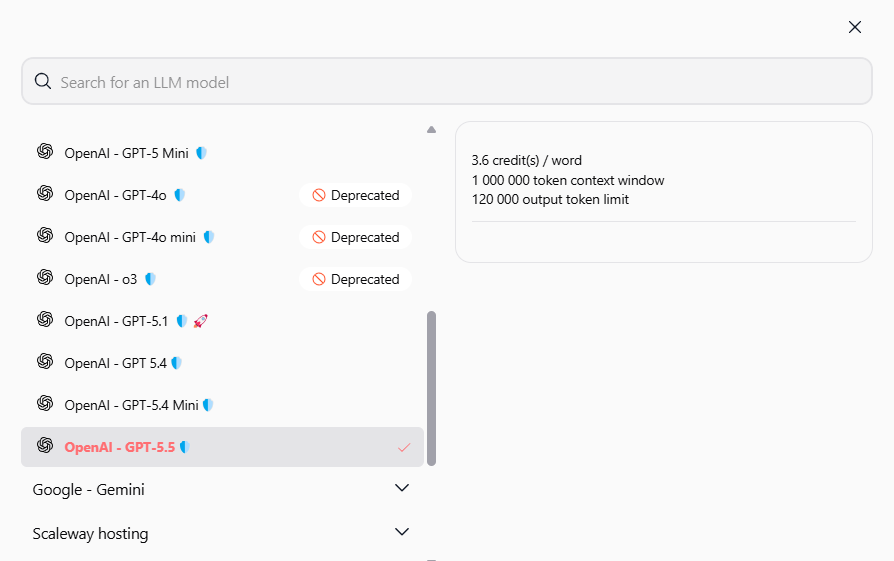
We are thrilled to announce the addition of two powerful models to the Swiftask platform. OpenAI GPT-5.5 brings advanced reasoning capabilities, while GPT Image 2 revolutionizes image generation with near-perfect text rendering and photorealistic quality. Both models are now available on all plans.
OpenAI GPT-5.5 — Your Most Advanced Reasoning Engine
GPT-5.5 is OpenAI's latest model, designed for tasks where precision and depth are paramount. It replaces GPT-5.4 and offers superior performance on complex problems and nuanced instructions.
1.1M Token Context Window: Process large documents, complex code, and long conversations in a single request.
Enhanced Reasoning: Greater accuracy for complex logic, analysis, and research.
Better Instruction Following: Fewer surprises in extended interactions.
Multimodal Features: Integration of vision, web search, and function calling.
Available on All Plans: Pro, Team Starter, Team Growth, and Custom at no extra cost.
OpenAI GPT Image 2 — Image Generation Reimagined
GPT Image 2 is a complete overhaul, delivering sharper images and exceptional text rendering. Launched in April 2026, it sets new standards for AI-generated imagery.
Near-Perfect Text Rendering: Over 95% accuracy in multiple languages, including English, French, Japanese, and Chinese.
Accurate Colors: Elimination of yellow tints, with neutral and realistic colors.
Flexible Resolutions: Image generation from 1024×1024 up to 4K (3840×2160).
Three Quality Levels: Low for quick drafts, Medium for everyday use, and High for final assets.
Contextual Understanding: Image generation that accounts for meaning and spatial relationships.
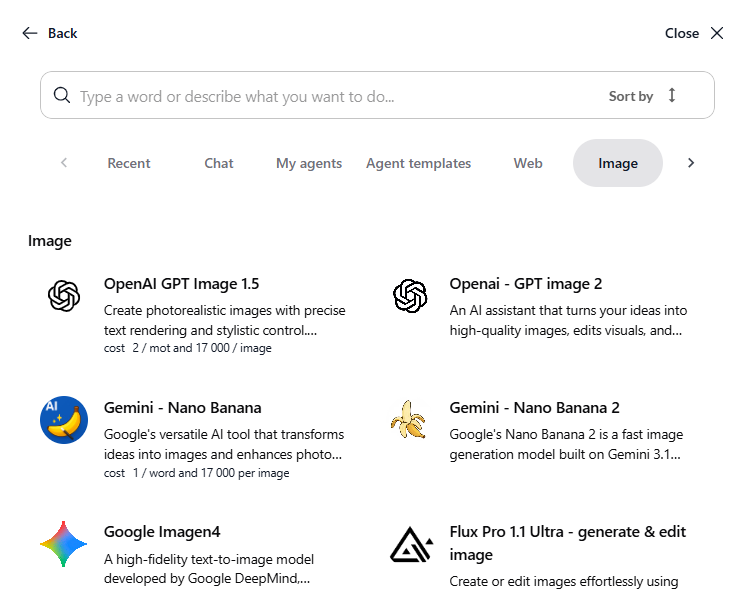
How to Access These New Models:
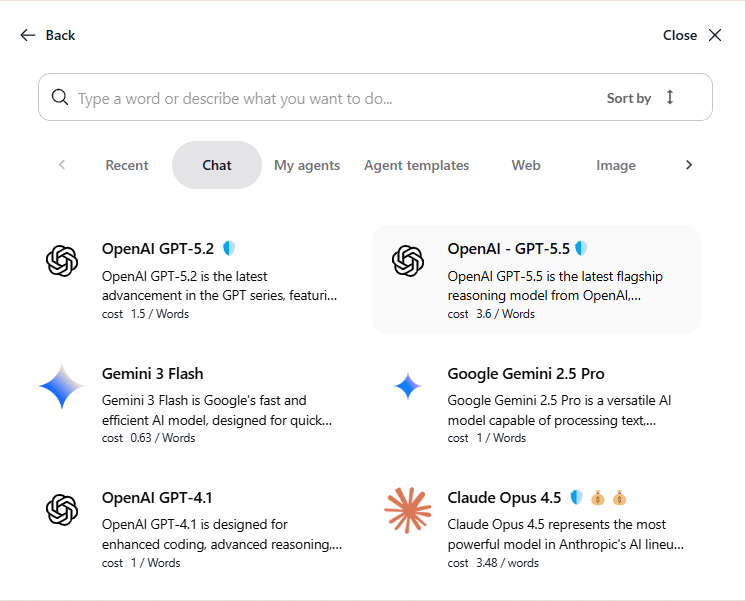
In Chat: Click the AI model selector → Select "OpenAI GPT-5.5" or "OpenAI GPT Image 2".
For Agents: Agent configuration → Model selection → Choose the desired model.
For Sub-Agents: Sub-agents configuration → Model selection → Choose the desired model.
With these additions, you no longer need to juggle multiple tools or subscriptions. Everything you need is now available on a single platform, accessible to your entire team. Try these new features now!