What's new? Less waiting, better readability
Hi,
Three new features, three real benefits. A two-minute tour.
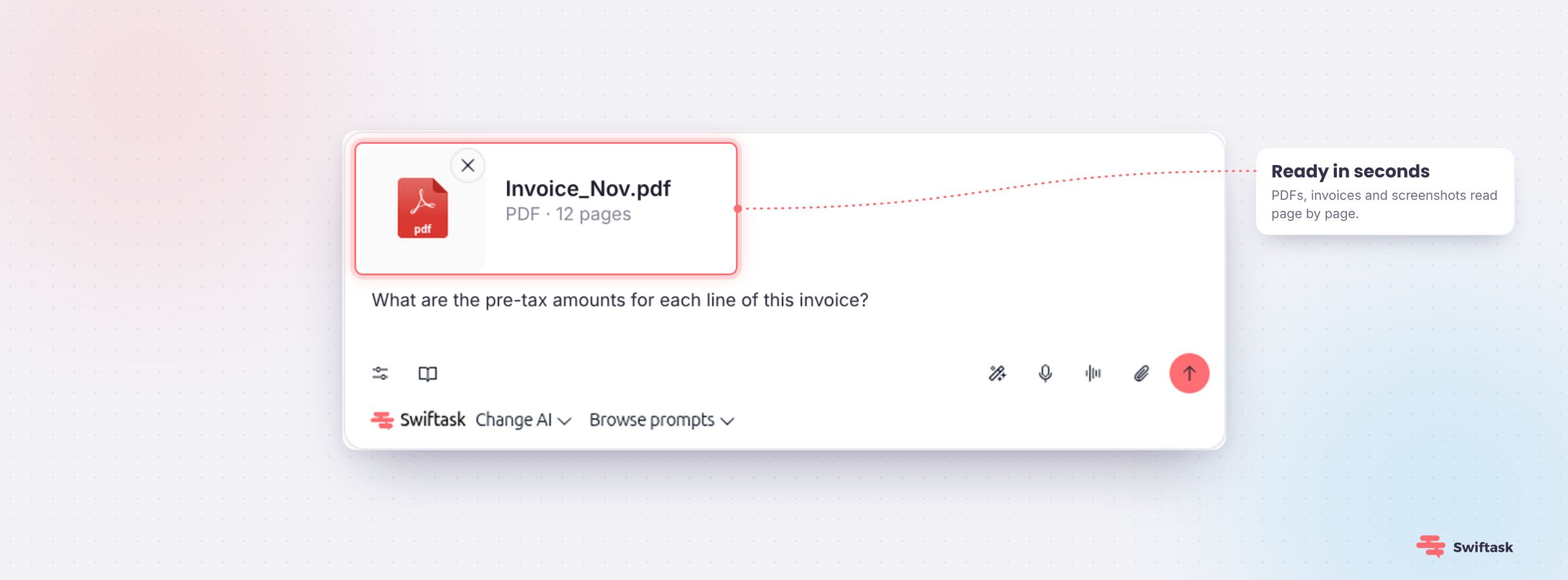
Attach a document, send your message right away
You know that moment: you attach a file to your message and wait. The send button stays disabled while Swiftask finishes processing your document in the background. Those days are over.
Before: 2 min 15 wait before sending. Now: 12 seconds.
Drop your file, type your question, and hit send. Your conversation starts while the question is still fresh in your mind.
Why it's faster
We changed how your documents are read. Previously, Swiftask had to extract all the text from the file before passing it to the agent—an invisible step for you, but a slow one.
Now, the agent reads your document directly. It goes through page by page, just like you flipping through it, taking in each page as it is: text, layout, tables, and diagrams.
An unexpected upside: since this text extraction step no longer happens in chat, it no longer uses credits.
This only applies to conversations. Adding documents to your Knowledge base works just as before, and accepted file sizes stay the same. Nothing new to learn.
Try it out
Open a conversation, drop in a PDF, invoice, or screenshot, and ask your question. Chat → attachment icon.
↔️ Adjust your panels to fit what you're doing
A long conversation to read, a transcript to follow, a presentation to review: every task needs a different amount of screen space. Now you can set it yourself.
Side panels for chat, meetings, and artifacts are now resizable. Drag the slider left or right to adjust the width to fit your needs.
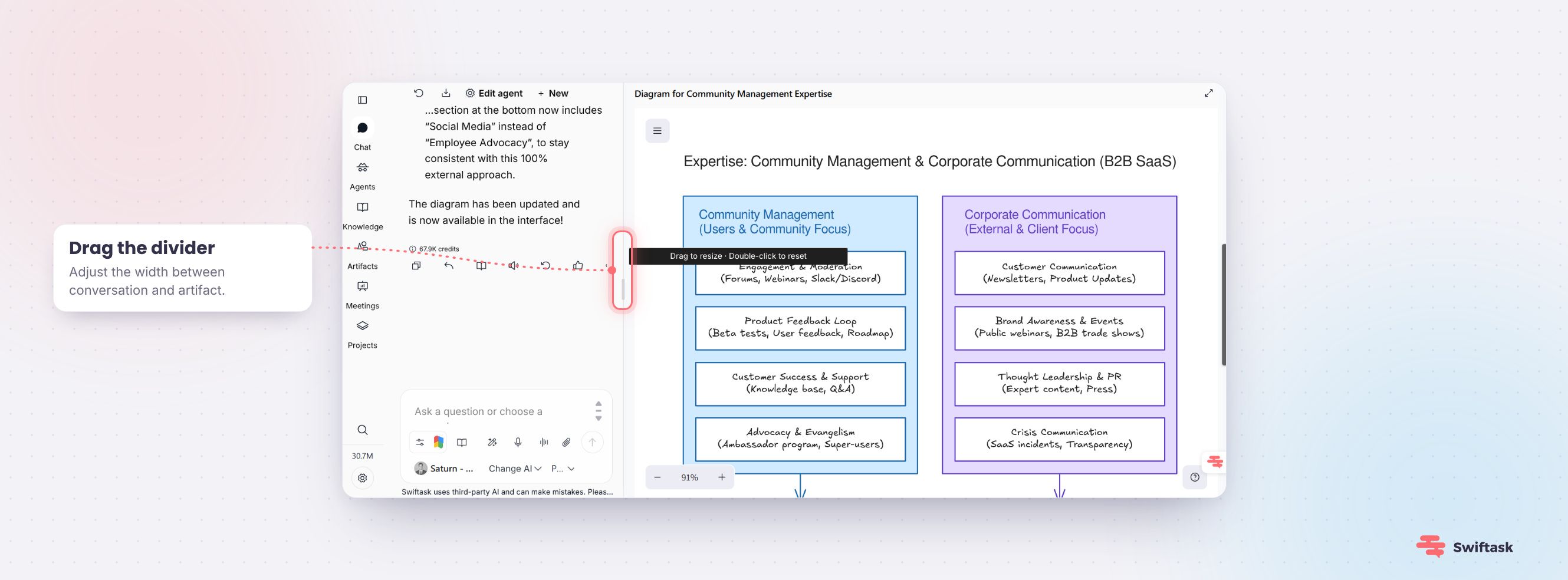
More room to read a full reply or table. More room to preview a presentation when reviewing it. Or the opposite when you prefer to keep all the context in view. You decide, moment to moment.
No setup needed—it's live right now.
Try it out
Open a conversation and drag the slider to resize your columns as needed.
👥 User groups: assign multiple admins
Until now, managing a group fell entirely on workspace admins. One point of contact, and everyone else waited.
No more: you can now assign multiple admins within the same group. Any of them can step in to manage members, without relying on a single person.

In practice, no more bottlenecks when the usual lead is on PTO, traveling, or simply swamped. Responsibility is shared among the people who actually know the group.
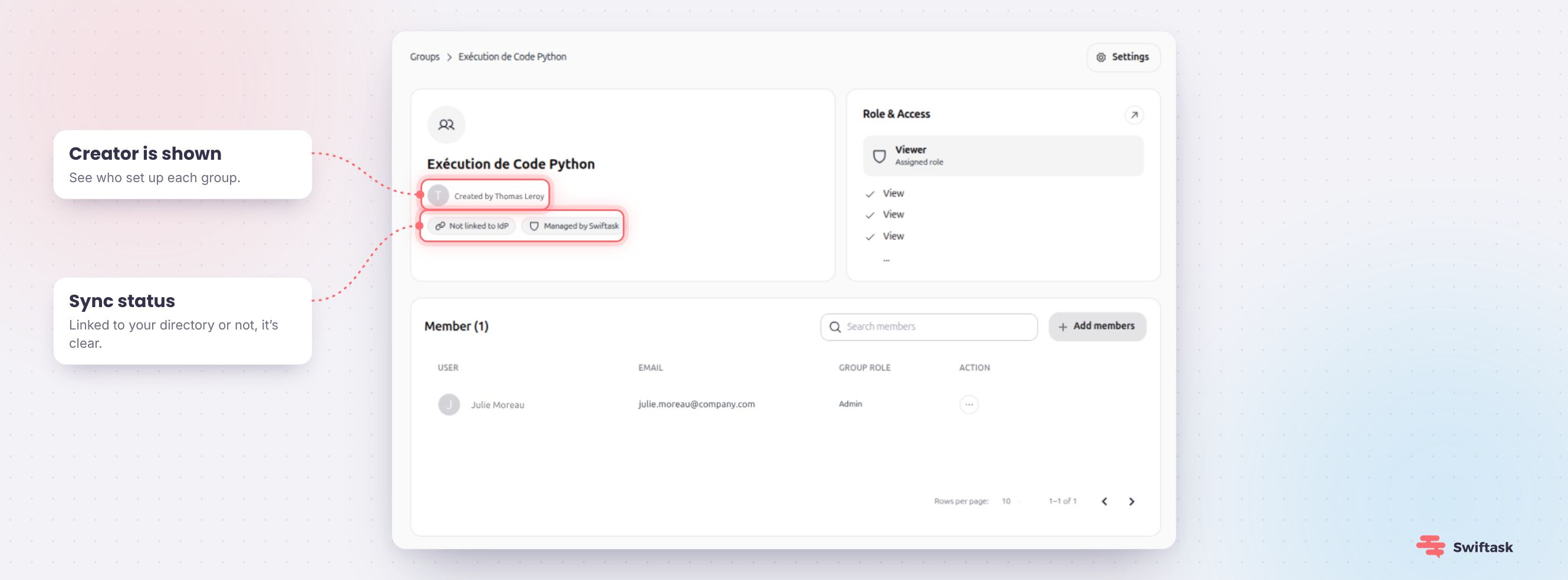
On the group details card, you'll also see who created it—handy for knowing who to reach out to when inheriting a space set up by someone else.
And if your group is synced from your company directory, a clear badge lets you know: members are added automatically, so there's no need to add them manually.
Try it out: Workspace → Groups → open a group → “…” menu at the end of a member's row → Set as admin.