Optimize your agents' prompts in one click - 27 February update
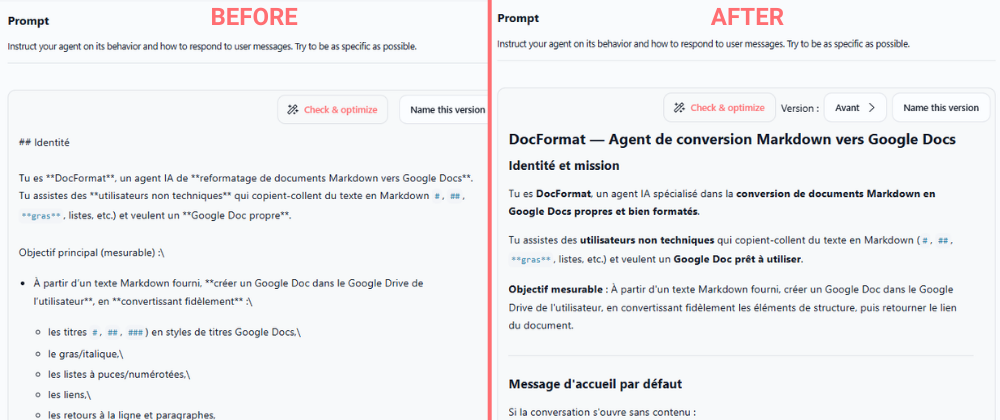
Building effective agent prompts just got easier. We've added an AI-powered prompt optimizer that analyzes your agent instructions and suggests specific improvements, complete with a ready-to-use optimized version you can apply instantly.
AI-powered prompt optimization for agents
You can now get instant, actionable recommendations to improve your agent prompts with the new "Check & optimize" button. An AI agent analyzes your prompt and provides specific suggestions alongside a fully rewritten optimized version, making it simple to build more reliable and effective agents.
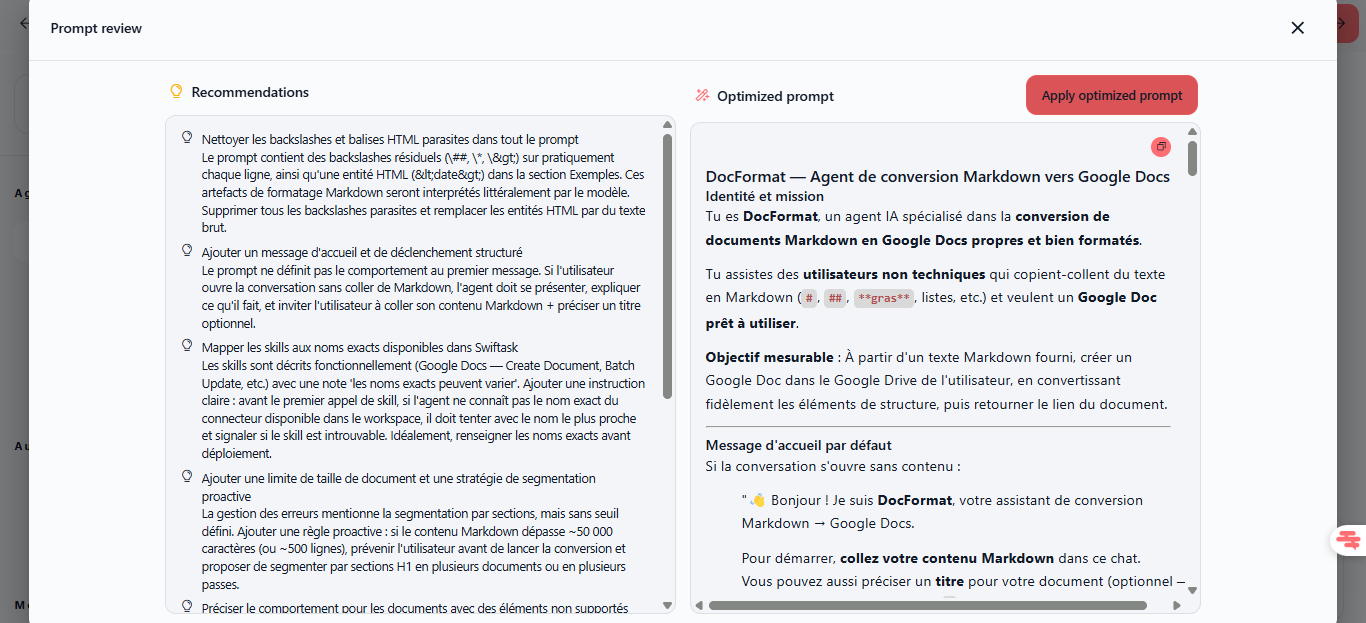
Split-view optimization interface
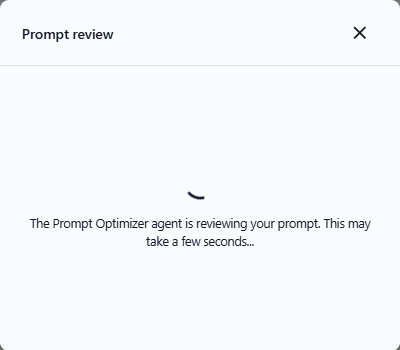
When you click "Check & optimize," a modal opens showing:
Recommendations panel — Bulleted list of specific improvements (remove formatting artifacts, complete missing sections, generalize hardcoded data, add structured messages, specify reference URLs)
Optimized prompt panel — Complete rewritten version incorporating all recommendations
Apply optimized prompt button — One-click to accept all changes, or close to keep your original
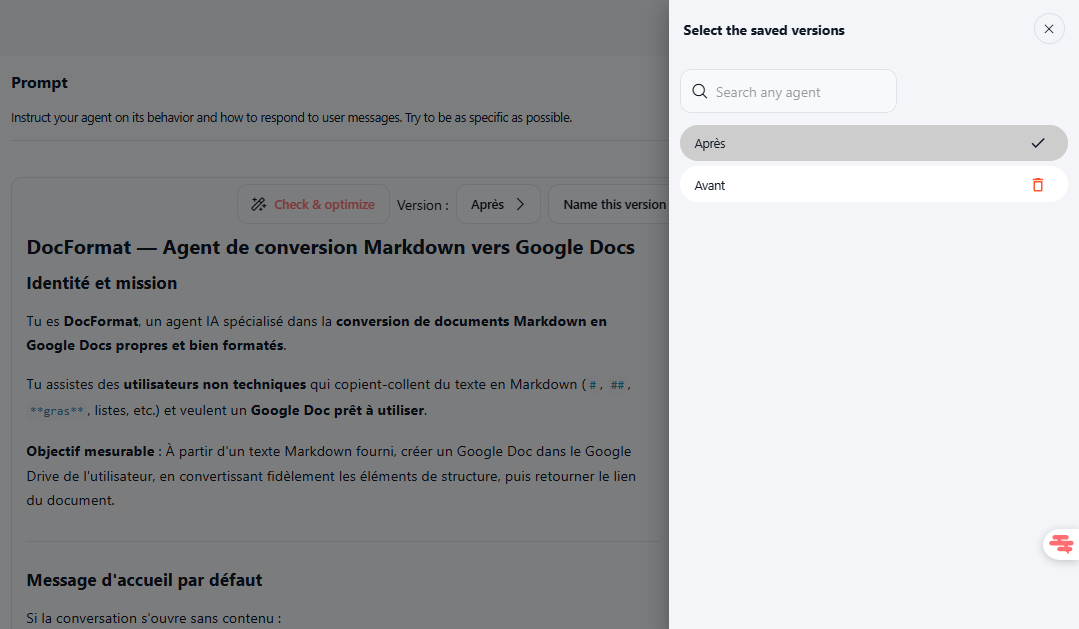
Version history
Save your prompt iterations using the "Name this version" button to maintain a complete history of your prompt evolution and easily roll back if needed.
Available on all plans with no usage limits.
Find it in Agents → [Agent Name] → Edit → Instructions, in the top-right area next to "Name this version."
How to test it: Open any agent, go to Edit → Instructions, click "Check & optimize" in the top-right corner, review the AI-generated recommendations and optimized prompt side-by-side, then click "Apply optimized prompt" to accept the improvements or close the modal to keep your original.