3 New Updates on Swiftask: Visual Responses, Video Generation by Gemini Omni, and Three Cost-Effective Models
Hello 👋
This week, your agents get a new way to display information, learn how to create videos, and three new models join the lineup to help lower your bill.
🖼️ Interactive Interface: Responses you look at, not just read
Your agents can now respond visually right inside the conversation, rather than using text alone.
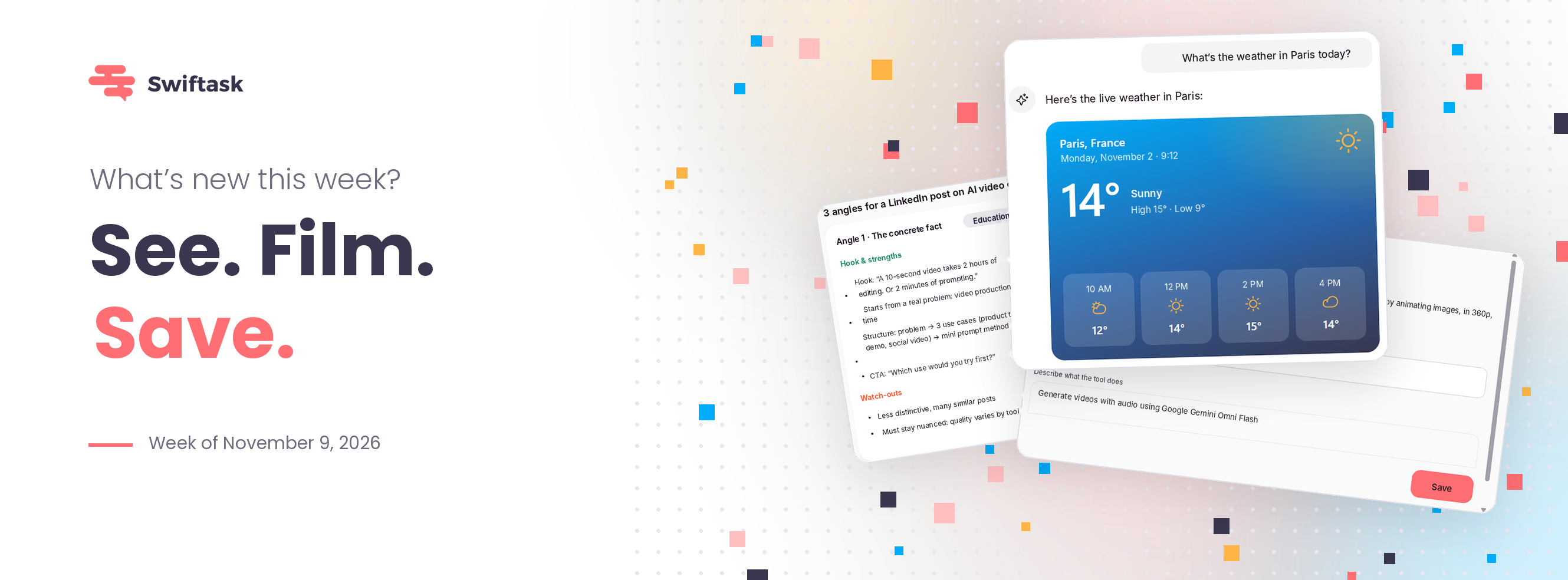
Ask for the weather in Paris, and you’ll get an interactive weather widget—14°C, sunny, hour-by-hour forecast—with three tabs: Today / 5 Days / Rain. You click, and the display updates without having to ask another question.
The same applies to your business use cases: monthly figures with Month / Quarter / Year tabs, a scrollable comparison of three competitors, or a support agent displaying pricing and hours cleanly instead of a dense wall of text. Information is faster to grasp, easier to digest, and far more impactful.
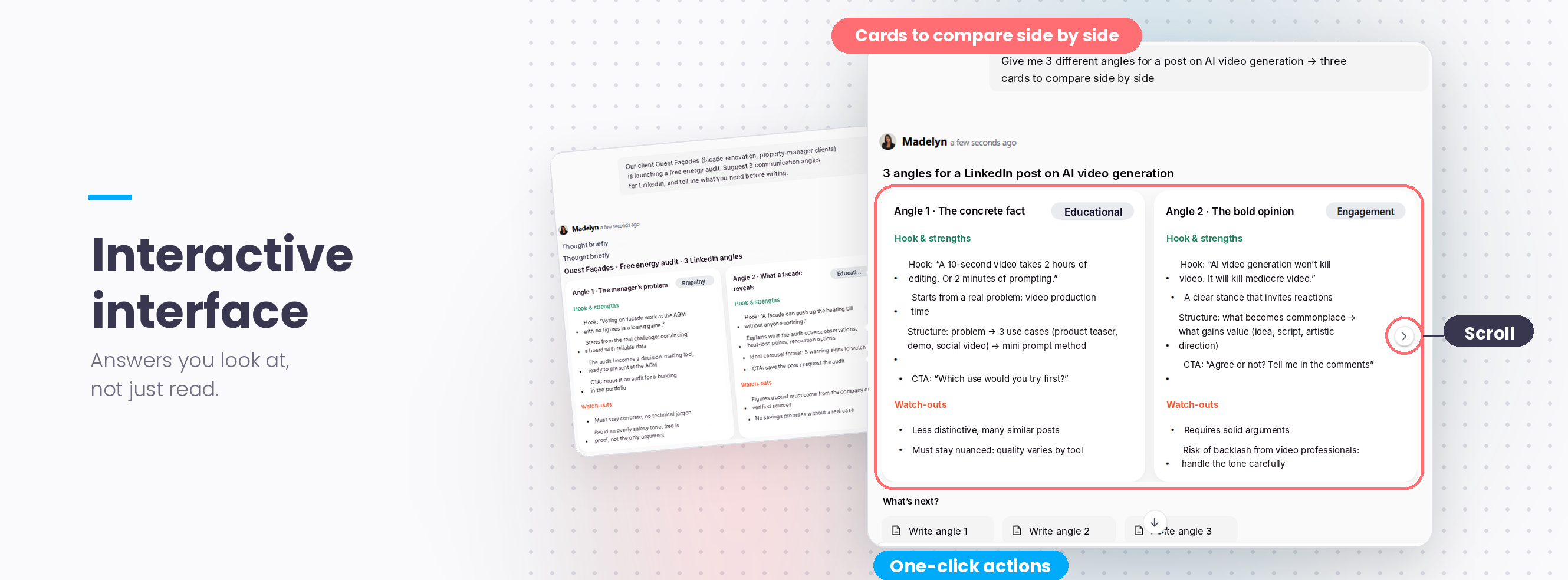
You decide when to use it. In the skill settings, a Description field lets you specify when the agent should switch to visual mode: comparing multiple options as cards, gathering preferences through a short form, displaying browsable metrics… You stay in control of the timing.
Where to enable it: Agents → Your agent → Agent Instructions → Skills → Interactive Interface.
🎬 Gemini Omni: Create videos just by chatting
Your agents can now generate videos using Gemini Omni (the successor to Veo): 3- to 15-second clips with simultaneous audio track generation (ambient sound, voiceovers, and synchronized dialogue).
The real standout feature is natural-language video editing: no need to regenerate the entire video from scratch. Provide a reference image (a product photo, for example), request a camera movement, then prompt "change the background to wood," and your product remains intact. It’s also great for creating a vertical teaser from your latest post or an illustrative clip for a training module.
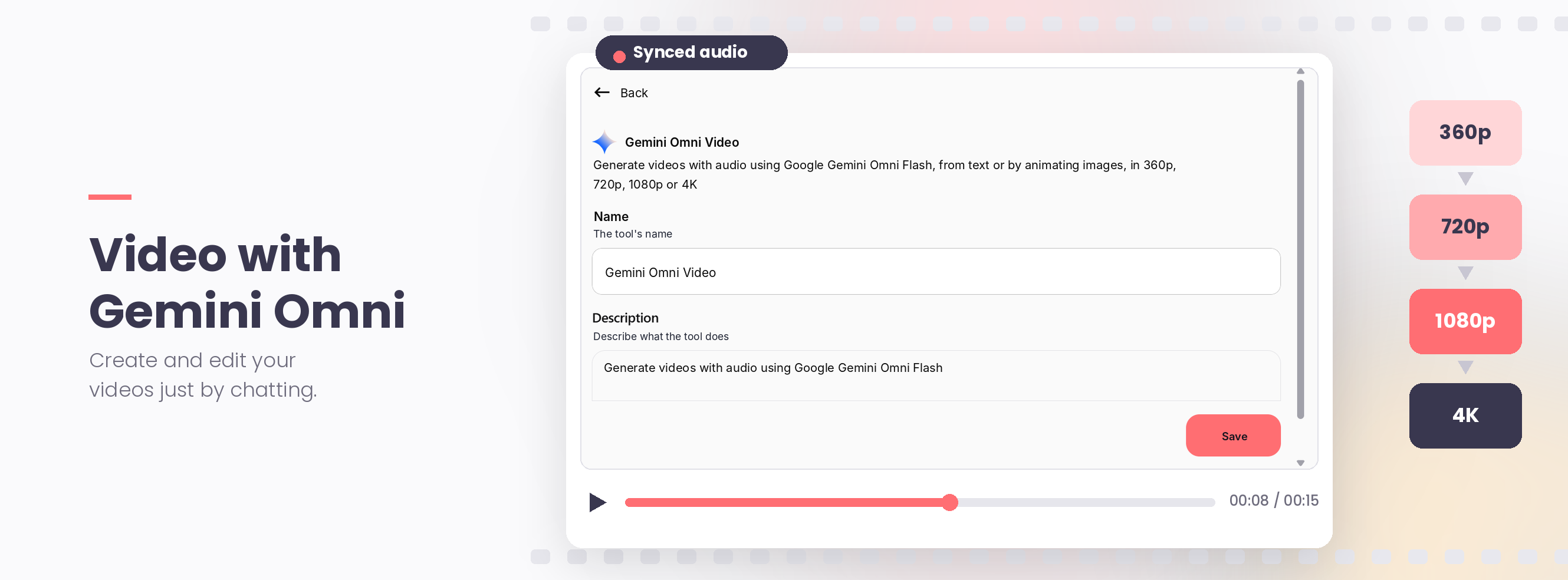
Save your credits by generating drafts in 360p or 720p, and only switch to 1080p/4K for the final version. You can also extend a video up to 30 seconds.
Where to find it: Agents → Configure agent → Skills → Video Generation (Gemini Omni).
🧠 Three Models Hosted by Mistral, Built for Agents
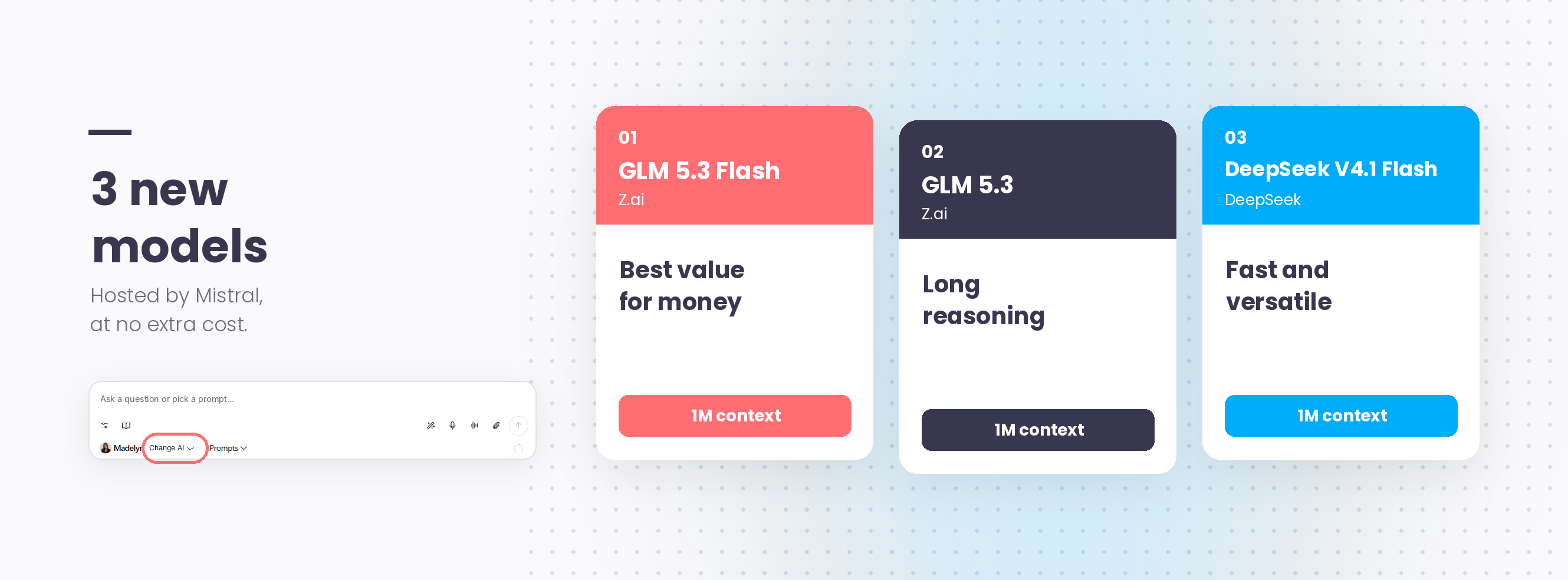
Three new models are joining your library, all hosted by Mistral (with European routing available) and built for agentic workflows, each featuring a 1M context window.
GLM 5.3 Flash (Z.ai): The best value for money. Multimodal (text, image, video), it rivals top-tier models on agentic tasks at roughly one-tenth the cost. Ideal for high-volume agents: customer support, email sorting, and monitoring.
GLM 5.3 (Z.ai): The heavy-duty version, built for deep reasoning: RFPs, technical documentation, and multi-step projects.
DeepSeek V4.1 Flash: Fast and versatile, supporting text and images. Great for internal assistants and real-time interactions.
Use case idea: Your agent that qualifies 300 leads a month doesn't need a flagship model. Switch it to GLM 5.3 Flash, and save the high-end model for the agent writing your sales proposals. The right model in the right place.
Where to enable them: Chat → Switch AI, or Agents → Your agent → LLM. Available on all plans at no extra cost.