Branding Kit and Knowledge Tables Evolution on Swiftask — August 4, 2026
Hello!
It's update time ! We are thrilled to share the latest improvements deployed on Swiftask this August 4, 2026. Our goal is to make your everyday work even simpler and more comfortable.
Here is a breakdown of what this update changes for you:
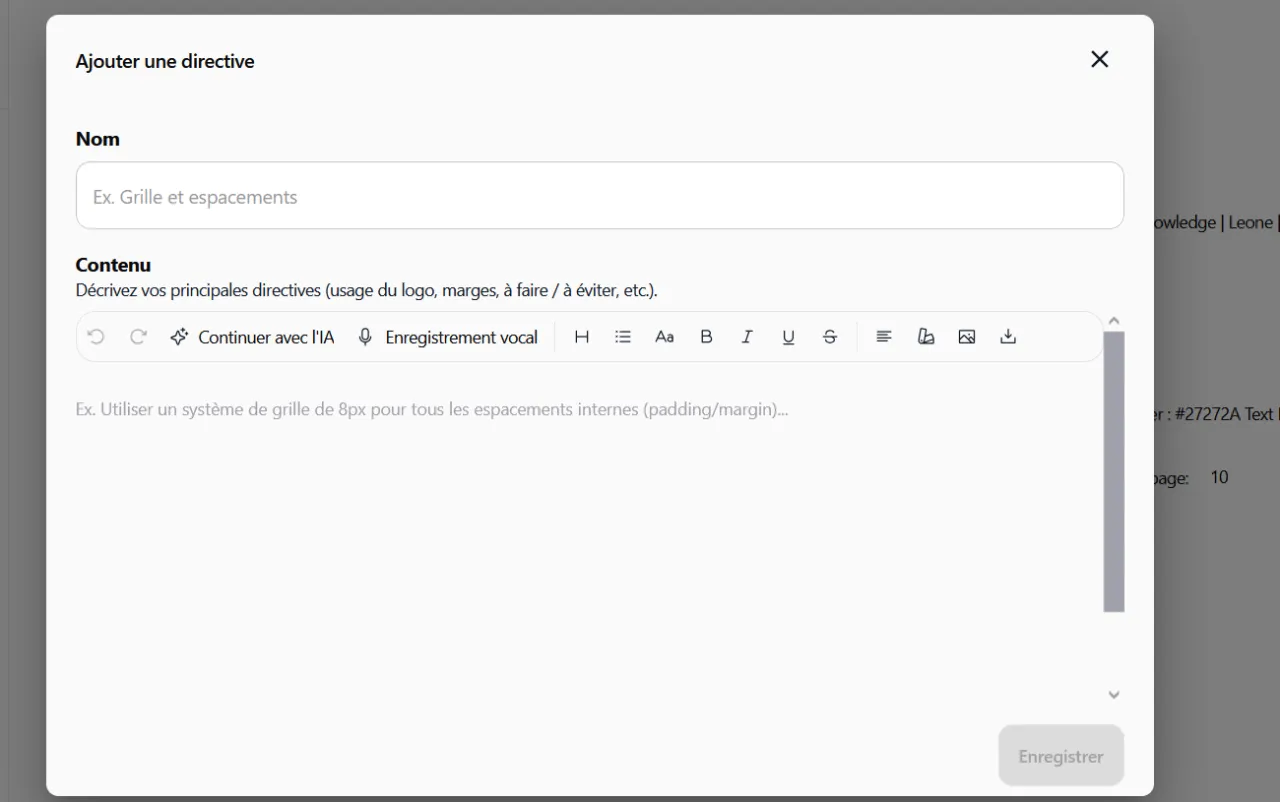
✍️ A modern text editor for your Branding Kit
What’s changing: Say goodbye to plain, boring text! You can now format your Branding Kit texts just like a real document: add bold, italics, create bulleted lists, or insert line breaks.
What it's for: The Branding Kit helps you define your company's identity (your tone of voice, key messages, words to use or avoid) so that your AI agents always speak with your brand's voice. With this new editor, writing and structuring these guidelines is a breeze, keeping them clear and easy to read for your teams.
What it brings to your daily life: Pure writing comfort. Your editorial guidelines are clean and well-structured, and your agents continue to follow them to perfection.
How to get started: Simply head over to your Workspace Settings → Branding Kit to start formatting your texts.
📊 Clearer and more readable Knowledge Bases (Knowledge Tables & Sources)
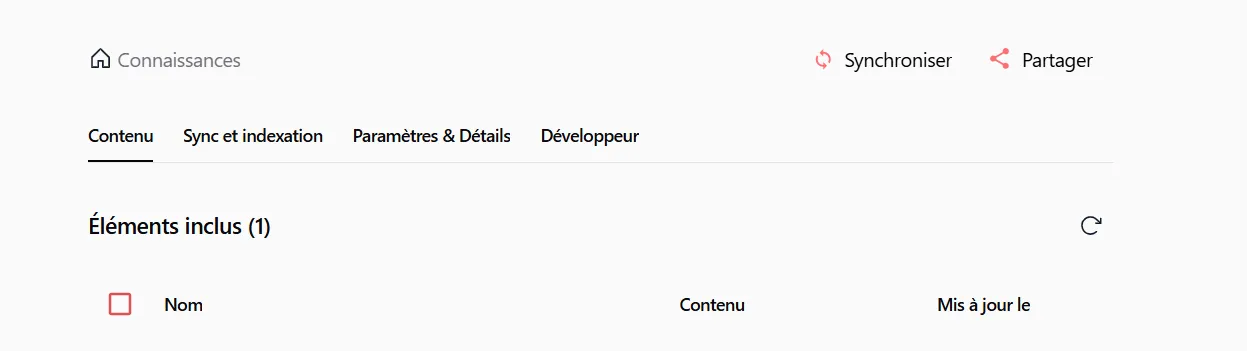
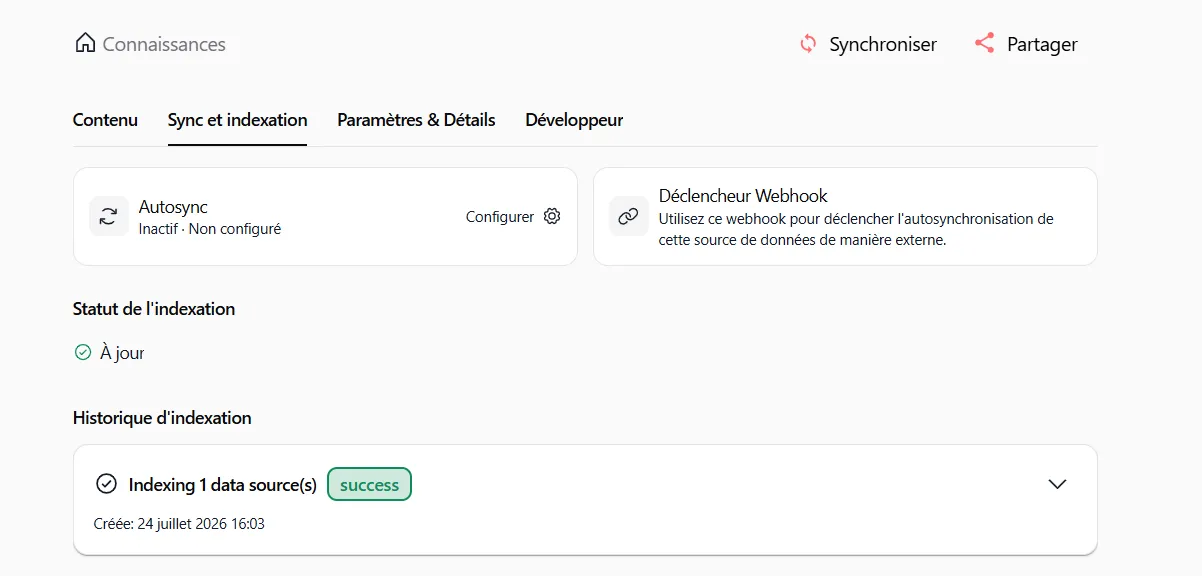
What’s changing: Knowledge Tables (those structured data tables, very similar to CSV files embedded in Swiftask) and the detail pages of your information sources (files, websites, SharePoint...) are getting a major facelift with a completely redesigned layout.
What it's for: These tools allow you to feed your agents with precise data (product catalogs, contact lists, FAQs...). Thanks to this visual redesign, navigating through this data and checking at a glance which information is powering your agents' responses is much easier.
What it brings to your daily life: Less eye strain and total control over your agents' "memory". You instantly understand where the information comes from, and you can manage your data tables with much more fluidity.
💻 Your desktop app updates all by itself!
What’s changing: The Swiftask desktop application now supports automatic updates.
What it's for: No more downloading new versions manually from the website or wondering if you're running the latest build. Swiftask takes care of everything in the background.
What it brings to your daily life: The peace of mind of always enjoying the very latest features, security patches, and stability improvements—without lifting a finger.
How to get started: You don't have to do a thing! Just let the app do its magic next time you launch it.
🛠️ Stronger connections and smoother exchanges (Outlook, files, and chat)
What’s changing: Our team has strengthened several elements behind the scenes:
The Outlook connector is now much more robust to prevent unexpected disconnections.
File processing by sub-agents (the specialized components working in the background to handle complex tasks) is now much more reliable.
The chat space with agents has been optimized to be more responsive.
What it's for: These technical fixes are designed to make using Swiftask completely smooth and seamless.
What it brings to your daily life:
Peace of mind: Your automations linked to your Outlook emails won't stop working due to an expired session. No more repetitive reconnection requests!
Efficiency: When you send documents to your agents, analysis is smoother, with a much lower risk of freezes or failures.
Speed: Your chat exchanges are more responsive and stable, even during long discussions.
💡 In short, what this update changes for you:
More comfort: Simplified brand guidelines editing and much more readable data tables (similar to CSV files).
More peace of mind: A desktop app that updates itself and an Outlook connection that stays active.
More fluidity: Faster, more reliable agents to analyze your documents and reply to your messages.