Build AI agents in minutes, not hours, with AI-powered agent creation — June 17, 2026 Update
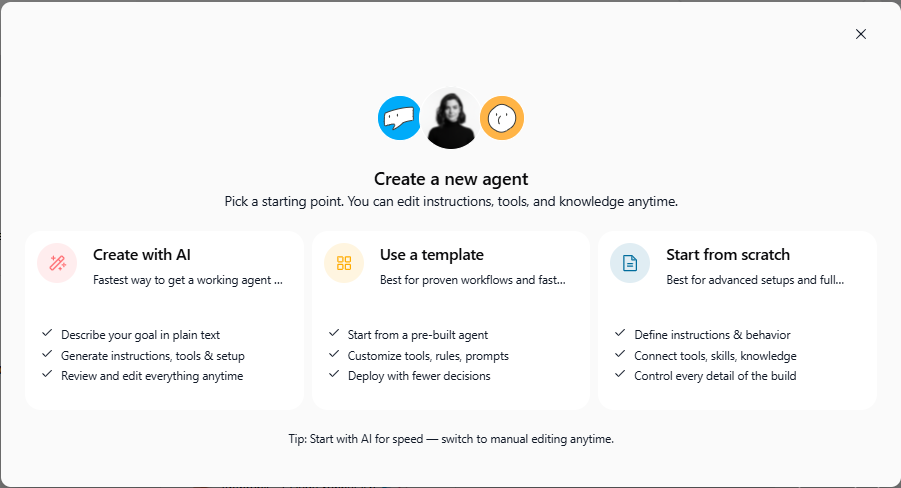
We're excited to announce a game-changing addition to the agent builder: you can now create fully configured AI agents by describing what you want in plain language. Instead of manually building agents from scratch, simply tell Swiftask what your agent should do, and our AI agent builder generates a working agent in seconds, ready to customize and deploy.
Create with AI: Describe your agent, get a working agent
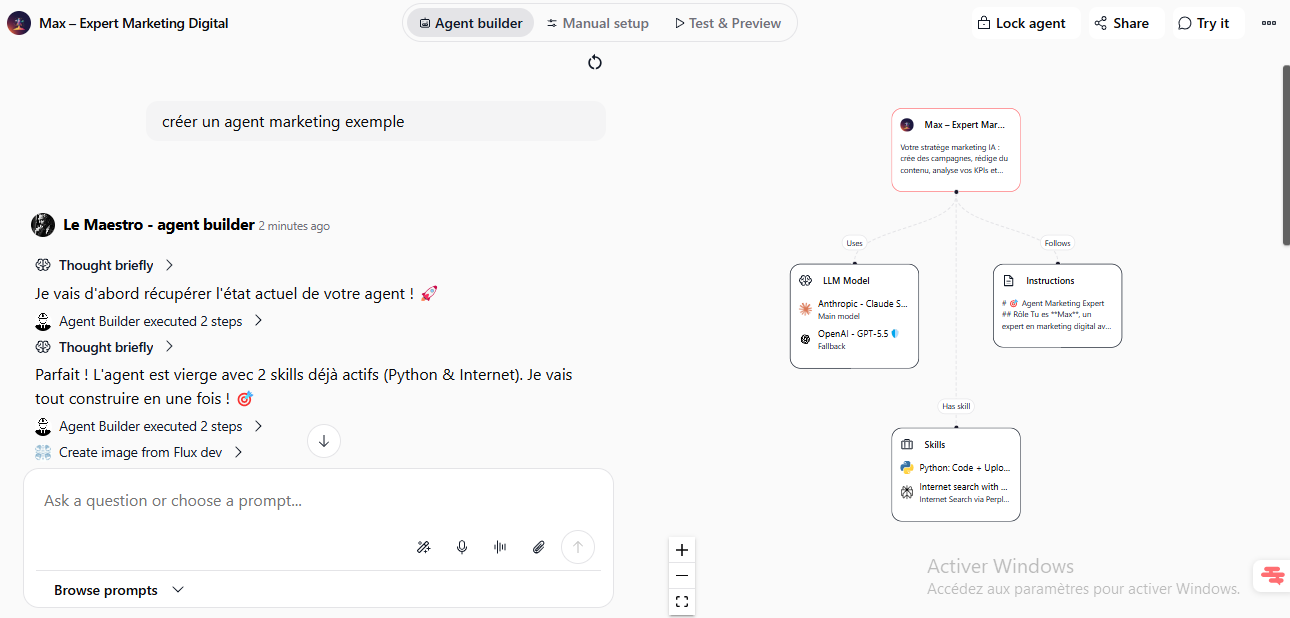
Create custom AI agents faster than ever by typing a simple description. Swiftask analyzes your request and automatically generates an agent with everything pre-configured: name, description, system instructions, icon, recommended LLM models, and suggested skills.
How it works:
Go to Agents → Create agent
Select the "Create with AI" option in the creation modal
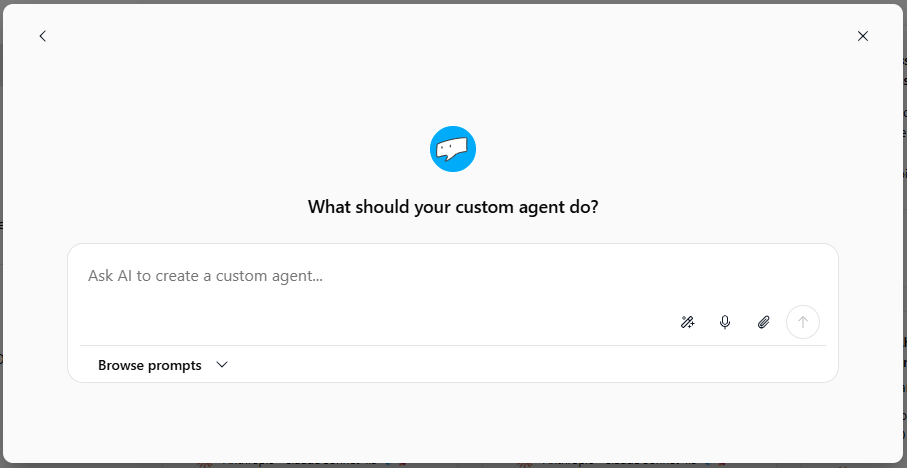
Describe what your agent should do (e.g., "Create a marketing expert agent that analyzes campaigns and suggests improvements")
Swiftask instantly generates a fully configured agent with:
Auto-generated name, description, and icon
System instructions tailored to your use case
5 recommended LLM models to choose from
Suggested skills and capabilities
Complete agent configuration ready to use
Refine in real-time with the agent builder:
Once your agent is created, you can chat directly with the AI agent builder ("Le Maestro") to make changes:
Click "Use this LLM" on any recommended model to integrate it instantly
Ask the builder to suggests what skills to integrate in the agent
Request configuration changes without leaving the creation interface
The builder applies changes on the fly
Then customize manually:
After AI generation, you can manually edit every aspect of your agent, just like building from scratch:
Agent name, description, and icon
System instructions and objectives
Skills and knowledge base
AI model selection
Any other configuration
Test immediately:
Once created, test your agent right away using the built-in test panel. See how it responds to prompts and refine before deployment.
Availability: Available on all plans (Pro, Team Starter, Team Growth, Custom)
How to test this feature
Navigate to Agents in the left sidebar
Click the Create agent button
Choose "Create with AI" from the three creation options
Write a prompt describing your desired agent (e.g., "Create a customer support agent that handles billing questions and escalates complex issues")
Review the generated agent configuration
Click on any LLM suggestion and select "Use this LLM" to apply it instantly
Ask the AI builder to suggest skills or configuration as needed (e.g., "What are the best skills for this agent")
Click Test & Preview to interact with your newly created agent
Make manual edits in Manual setup if needed
Deploy and start using your agent
What this means for you
Faster agent creation: Build agents in seconds instead of hours of manual configuration
Less guesswork: The AI recommends the best LLM and skills based on your use case
Guided customization: Discuss your needs with the AI builder and see changes applied instantly
Full control: Manually edit anything after creation, or let AI do the heavy lifting
No technical skills required: Describe your agent in plain language; no code needed
The "Create with AI" option sits alongside existing methods (From Scratch, From Template), giving you three flexible paths to agent creation depending on your needs.
Ready to build your first AI agent with AI? Open Swiftask, navigate to Agents, and try creating an agent with AI today. Your next specialized AI assistant is just a description away.