Fewer back-and-forth steps, more time for what matters most
Hello,
Two new features at the start of this week, both centered around a single idea: fewer detours to get what you need.
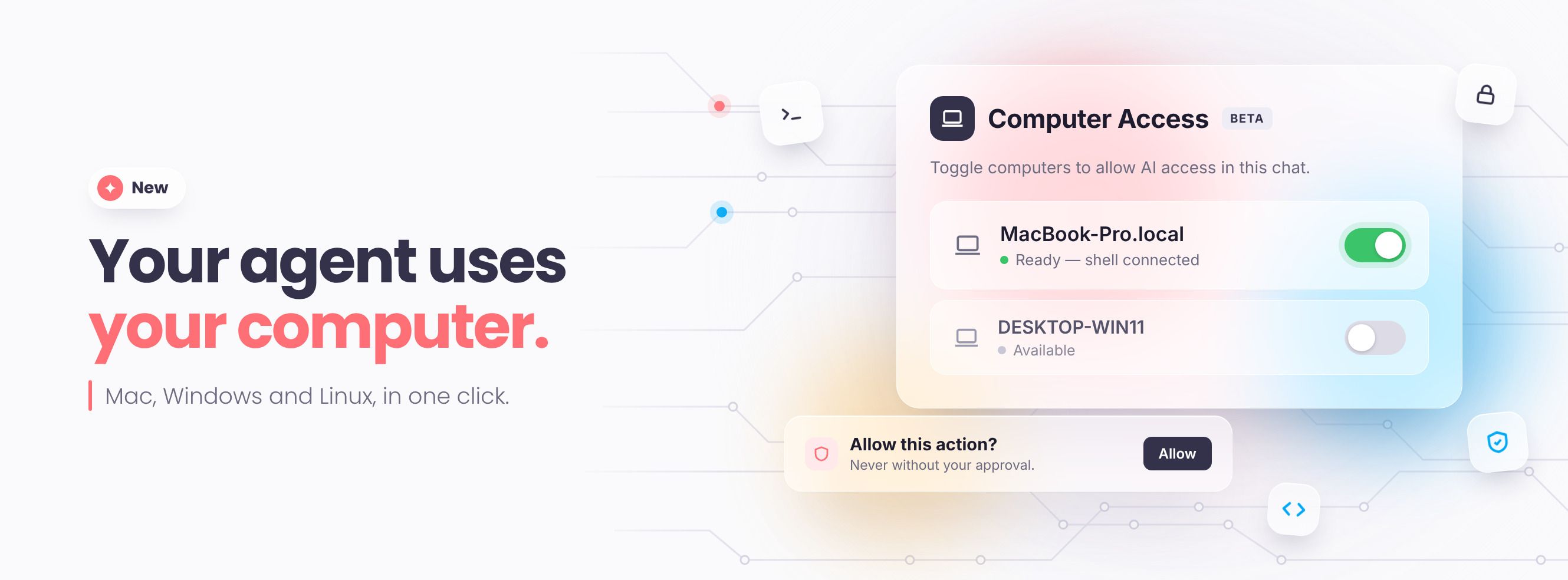
💻 Your agent can now use your computer
New — in beta, available in the desktop app for Mac, Windows, and Linux.
Some data is only accessible from your workstation: an internal database, a business tool, or a company API. Reaching them often requires being connected to the VPN.
Your agent can now go there for you. You ask your question in the chat, it fetches the info, and it answers you—without opening three different tools and without bothering the tech team.
Nothing happens without you. Your computers appear in a list. One toggle switch, and it's enabled—for this conversation only. Nothing is open by default, and your agent asks for your permission before any major action.
To try it out: Enable your workstation, then ask for information stored in an internal company tool.
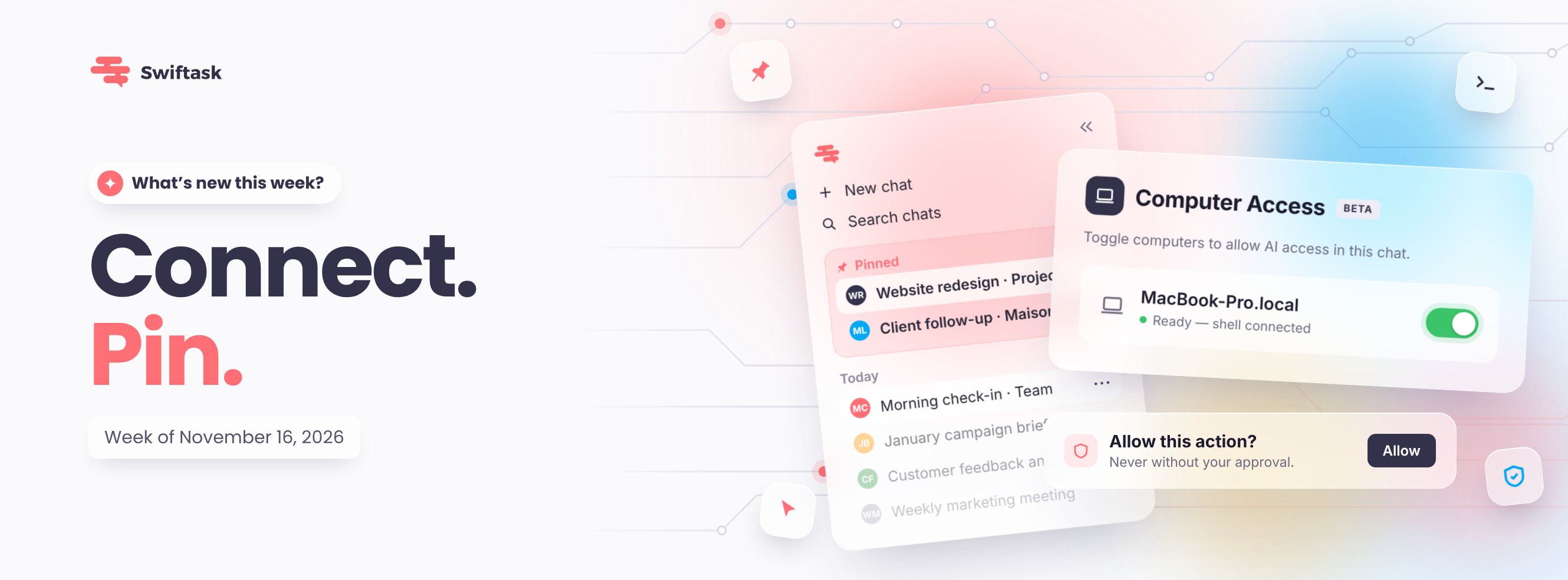
📌 Pin your important conversations
The chat you reopen ten times a day will no longer slip down the list.
Pin it: it moves up to a "Pinned" section at the very top of your sidebar and stays there. Handy for your current project, a client follow-up, or the conversation you pick up every morning.
How to do it: Click the three dots to the right of a chat, then click Pin. Use the same steps to unpin it.

To try it out: Pin your most active conversation, then open several new chats. It will still be right at the top.