Finally, a web search that actually shows you what you need in one clic — June 2026 Update
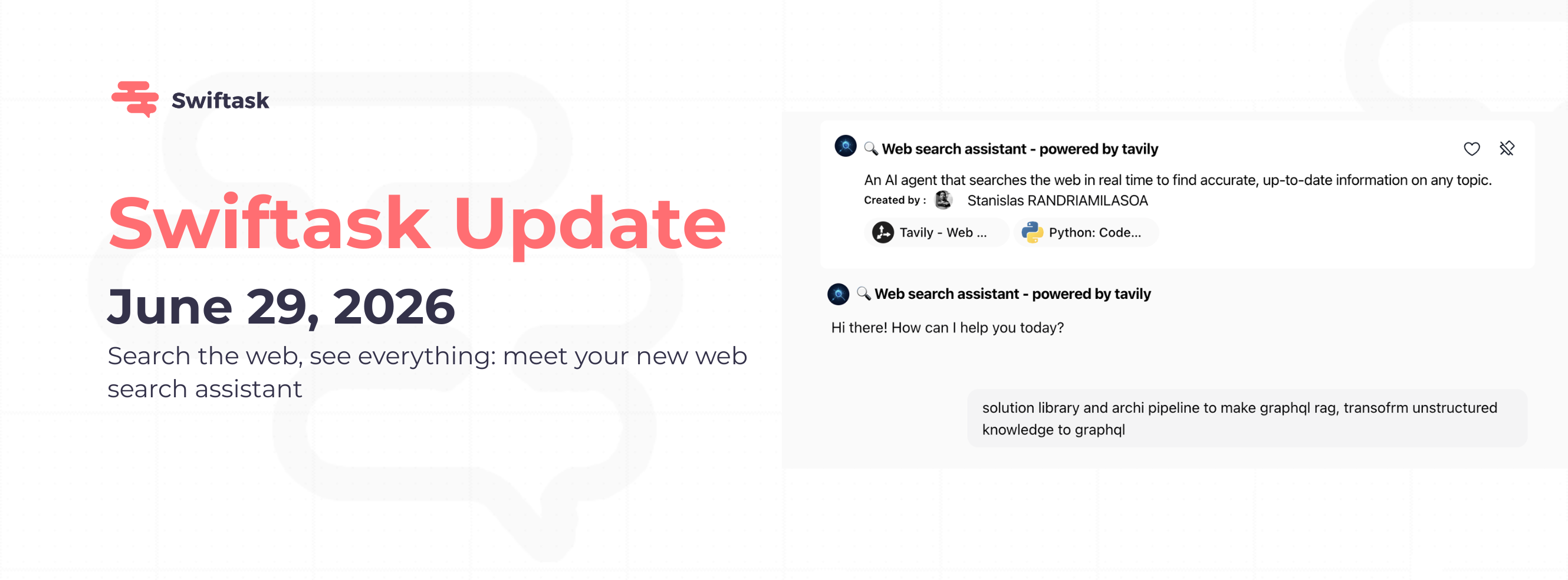
We've added a new search agent that finds information on the web and brings back pictures, links, and clear answers. No more flipping between Swiftask and Google.
Your new web search buddy
Meet your web search assistant. Ask it anything you'd normally Google : "What's the latest news about X?" or "Show me competitor prices" , and it comes back with images, sources you can click on, and summaries that actually make sense.
- Searches the web and shows you images
- Gives you clickable links to where it found things
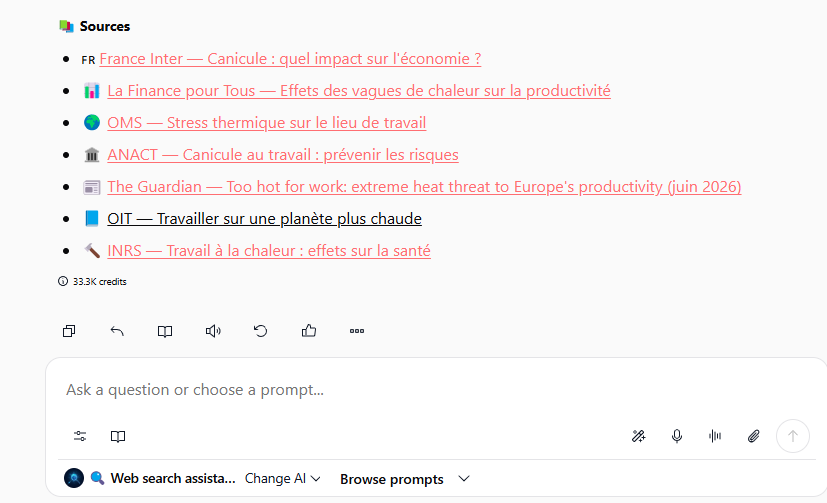
- Includes snippets so you see the context
- Works right in Chat with your other agents
- Available for everyone, no extra setup needed
How to use it:
1. Open Chat
2. Click on the agent selector at the bottom left
3. Pick "Web Search Assistant"
4. Ask your question
5. Get back results with pictures and sources
Try it out:
Ask something like: "What are people saying about [topic]?" or "Find me info about [company]" and you'll see results with images and clickable sources.
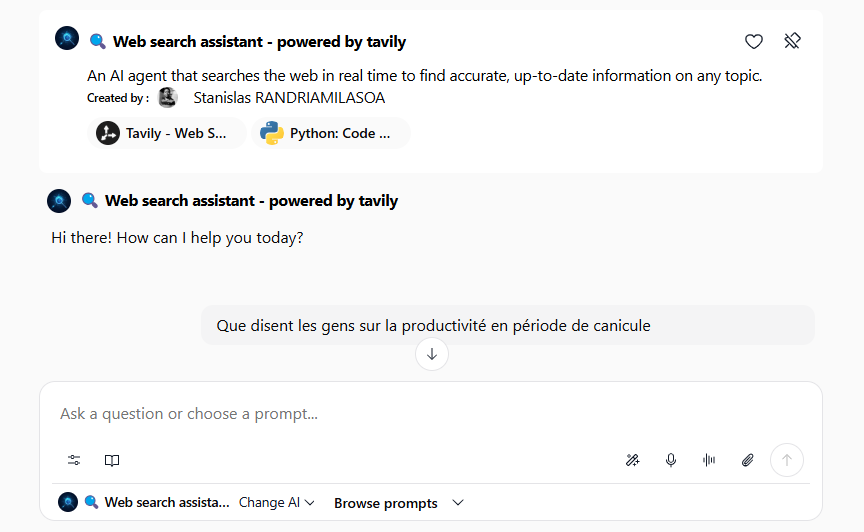
It's that simple. Better research, no tab switching. 🔍
Join our webinar on building a fleet of cold-emailing agents to save time on your prospecting.