Smoother Artifacts, Controlled Access, and 3 New Models
Hello,
Several new updates are landing on Swiftask this week 📢
Your artifacts now flow seamlessly within a single chat and can be edited directly. You finally control who accesses them, your workspace security is reinforced with corporate domain verification, and three new models join the catalog.
🎨 One single conversation, all your artifacts
Forget juggling multiple chats and losing context. Through Artifacts, you can now generate a presentation, a webpage, or a dashboard—all within a single conversation.
Coming out of a meeting? Ask for a executive presentation right away, then follow up with the webpage to send to your client. The agent retains full context so you don't have to copy and paste a thing.
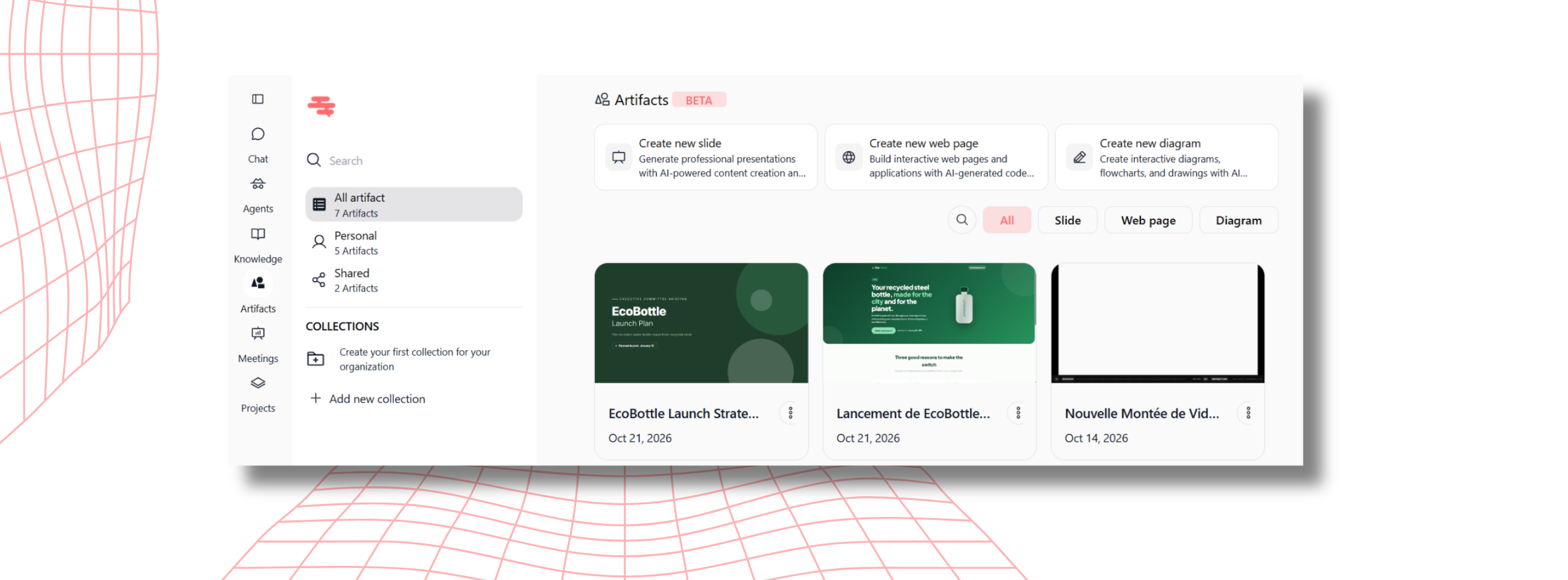
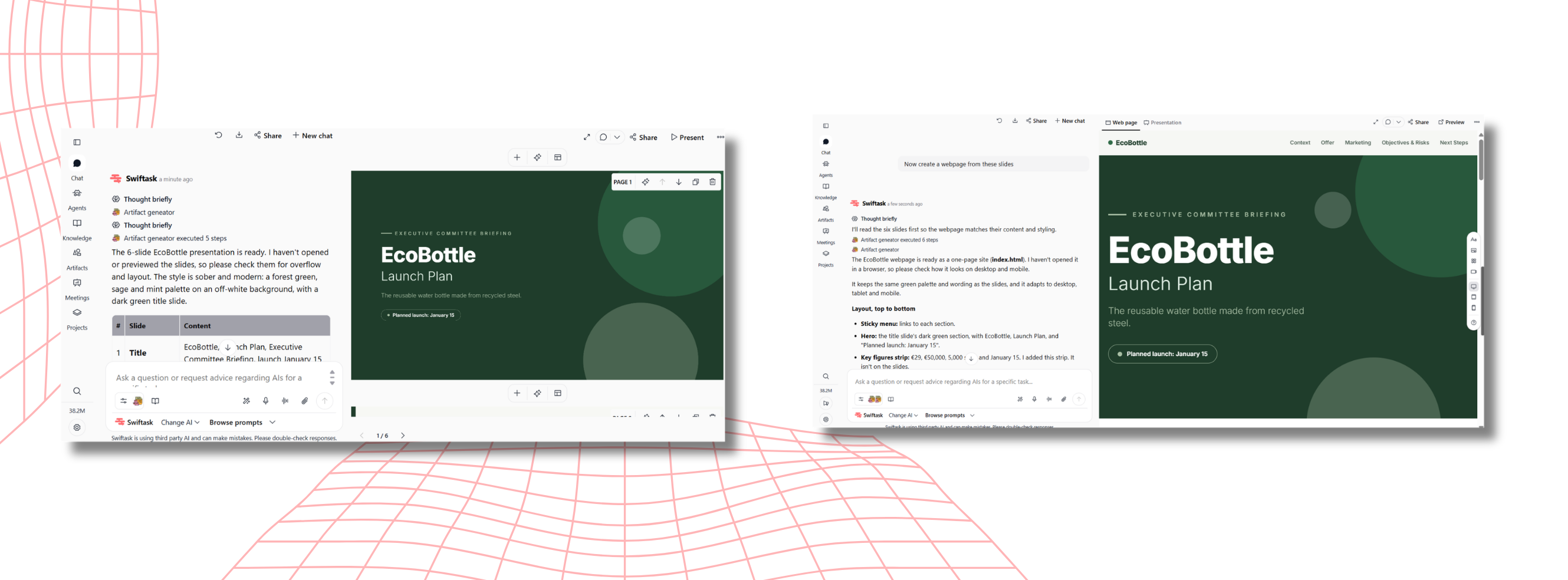
Every created artifact remains fully editable, shareable, and exportable from your Artifacts space.
🖱️ Edit your slides and webpages directly
Your presentation or your webpage is generated — now comes the fine-tuning. No more switching to a separate edit mode: click any element and change it right where it is. Moving things around also works smoothly now, the glitches you may have run into are fixed.
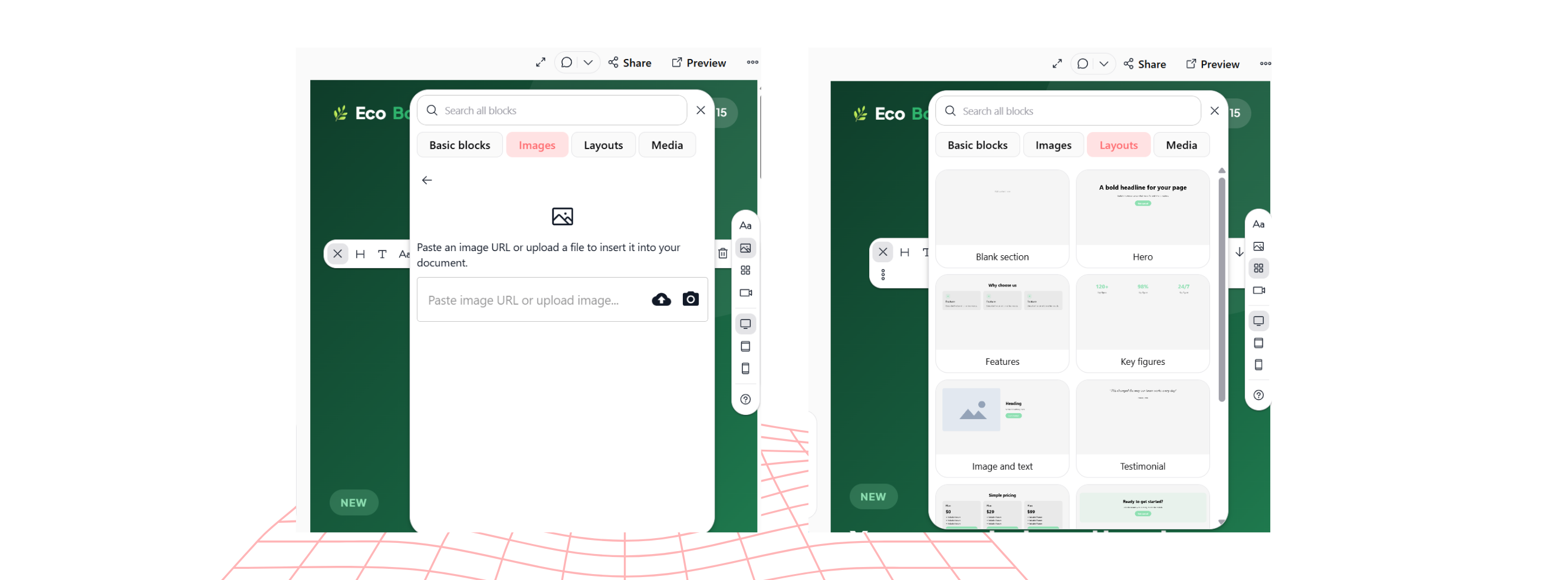
You also get ready-to-use blocks you can drop in with a single click — pricing sections, headers, testimonials — without having to ask the AI. Images can be uploaded straight from the editor, and for webpages, tablet and mobile previews let you check that everything looks right on every screen.
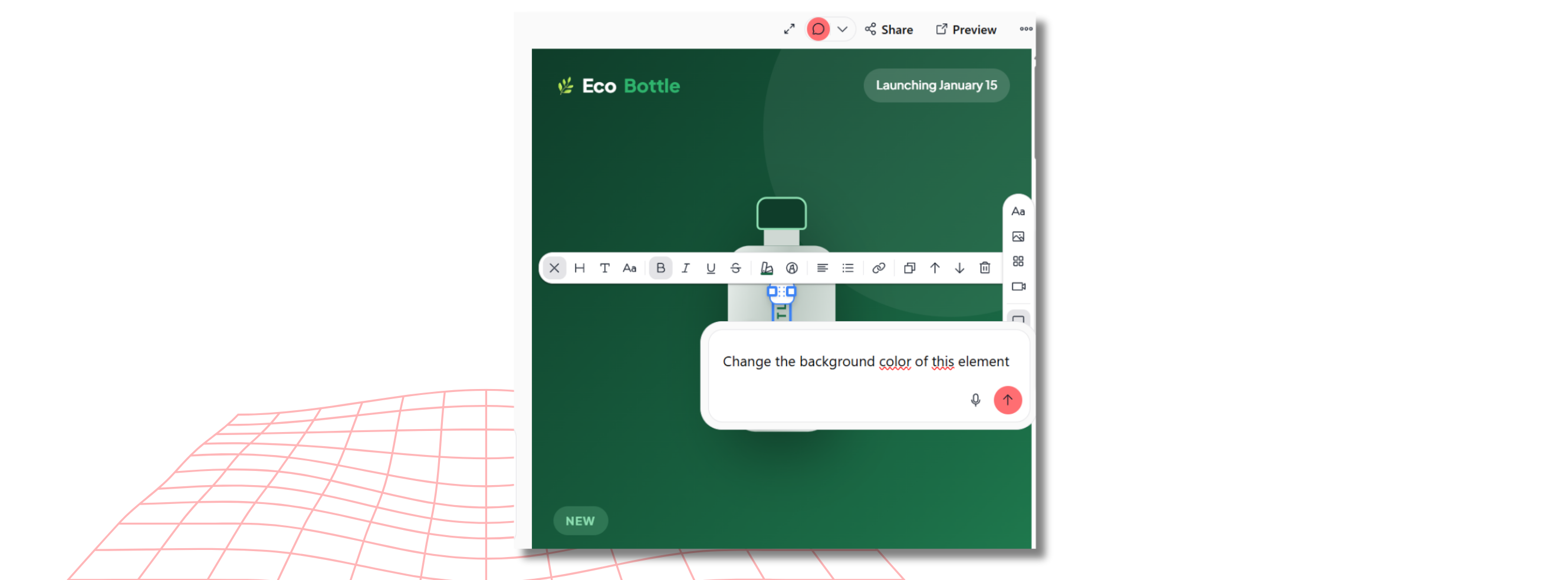
The real game-changer: comments. A sentence to rephrase? A background color you can't stand? Click the element, leave a comment like "make this navy blue", and the AI takes care of it. Changed your mind? Edit your comment anytime. It's far quicker than writing long explanations in the chat — you simply point at what you want and say it.
🔗 Artifacts are now private by default
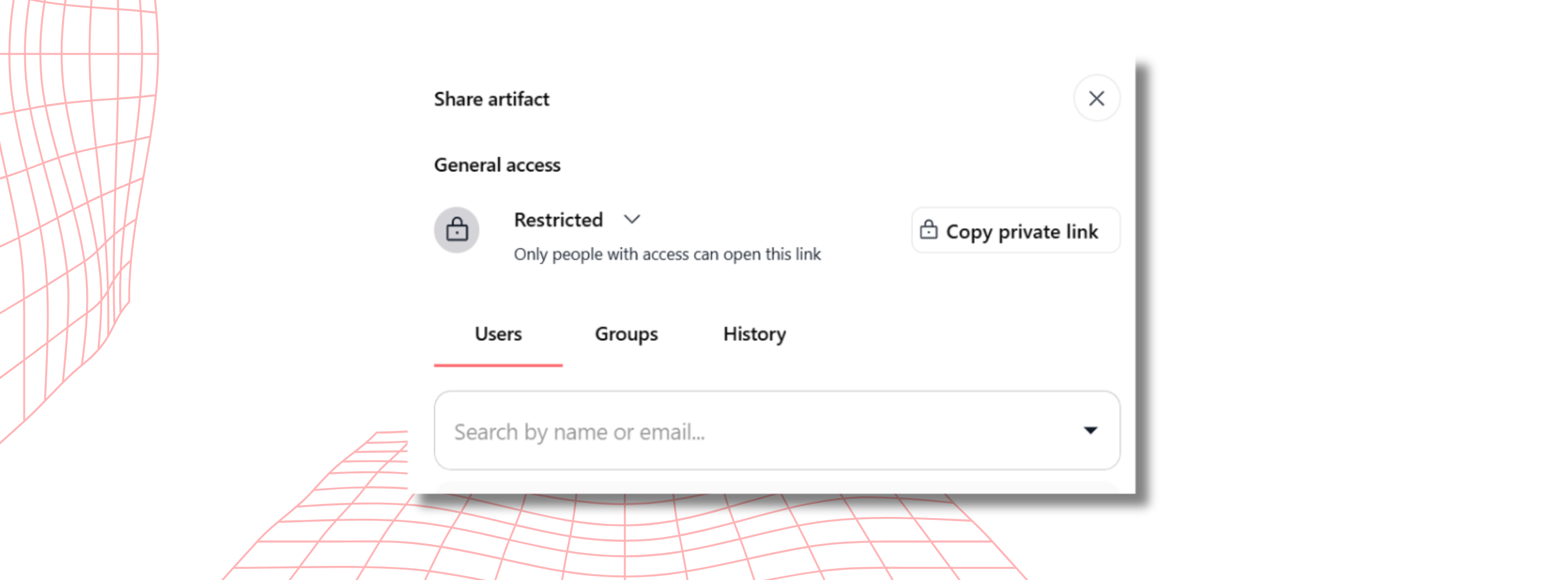
Your artifact is ready to share. Previously, shareable links remained accessible indefinitely, regardless of the project's status or who received them.
Your artifacts are now private by default. You retain full control by choosing whether to set access to public or keep it private according to your needs.
A simpler, more secure way to manage your confidential presentations or quotes.
🔐 Verify your domains before opening the door
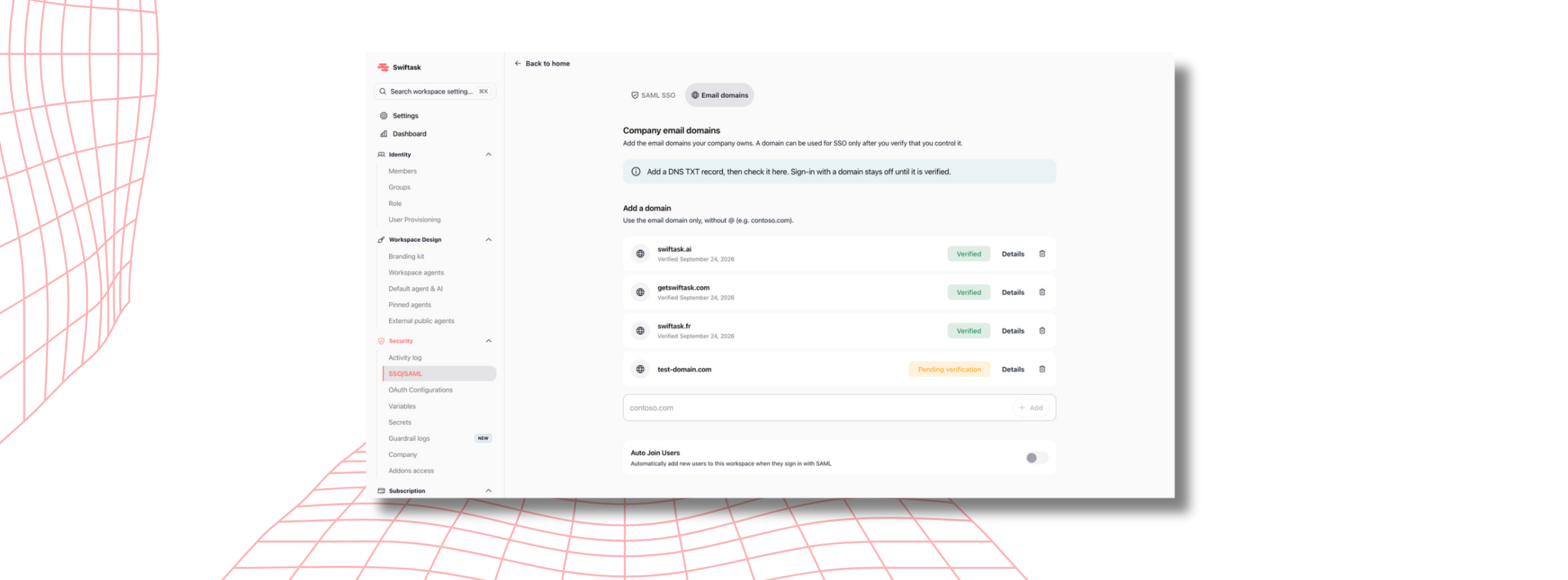
SSO allows your teams to access Swiftask seamlessly using a single corporate account—no extra passwords required. To take security a step further, Swiftask now verifies that every domain used actually belongs to your organization before allowing any connection.
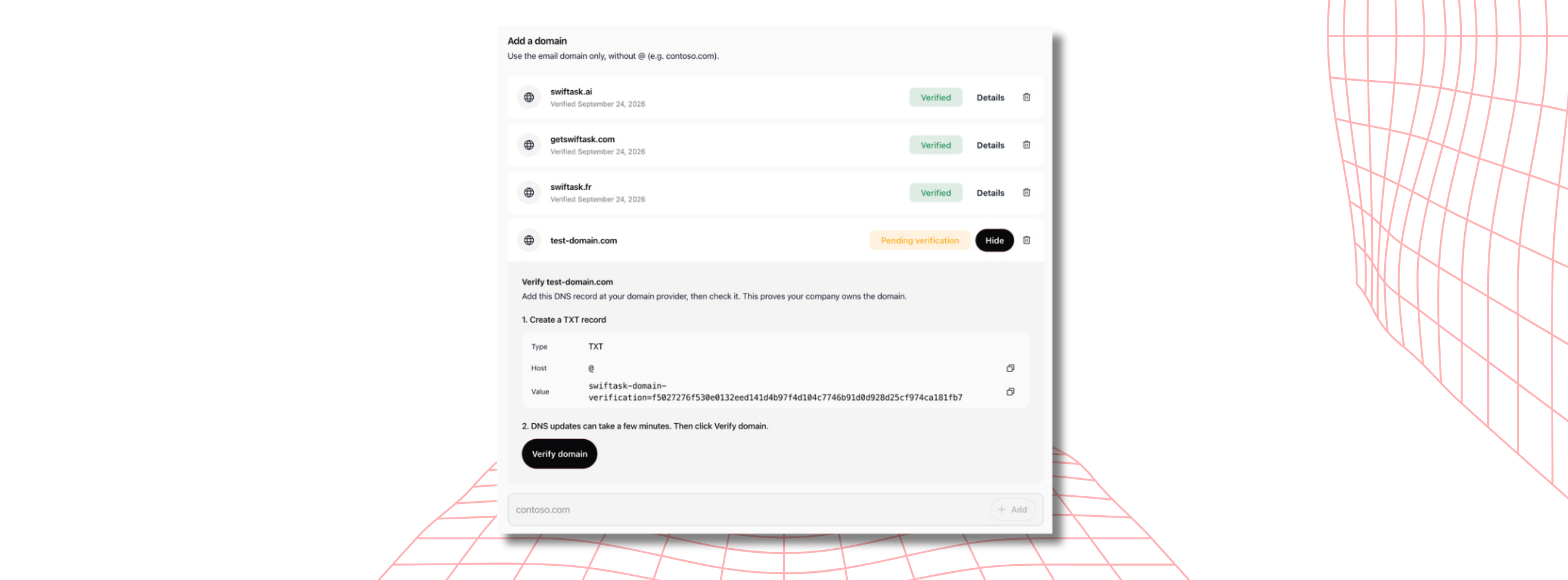
Add your domain, place the provided code with your host, and validate: until proof of ownership is confirmed, access remains locked. Public email domains (Gmail, Outlook) are blocked, and you can register all your company's domains and subsidiaries.
The result: your teams get instant access, and new hires are onboarded automatically—no need to send individual invites.
Head to Settings → Security → SSO/SAML → Email Domains (set aside two minutes with your domain manager).
🧠 Three new models available
Gemini 4 Argon, Google's cutting-edge model, built for heavy lifting: legal or financial analysis, multi-step reasoning, and complex development. It can ingest the equivalent of thousands of pages, several hours of audio, or nearly an hour of video in a single prompt.
GLM 5.3 (via Scaleway), offering excellent value for money and performing exceptionally well on code and sequential long tasks. It delivers fast responses.
DeepSeek V4 Flash (also via Scaleway), tailored for high-volume tasks: sorting, extraction, summarization, and classification. It also processes images.
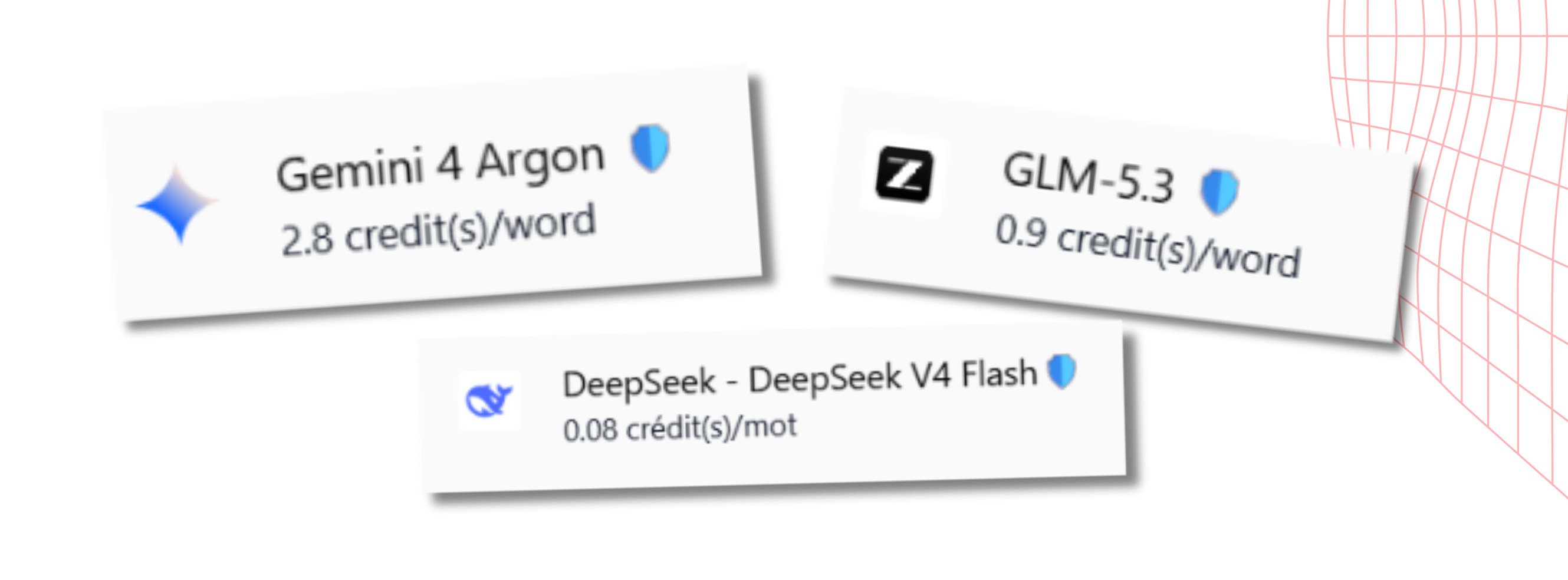
The latter two models run on Scaleway's French infrastructure, ensuring your data stays in Europe. You can find them in the chat model picker and assign them to your agents.
Happy exploring! 😉