What’s new in November? More control, greater clarity
Hello,
Four new updates to kick off the month.
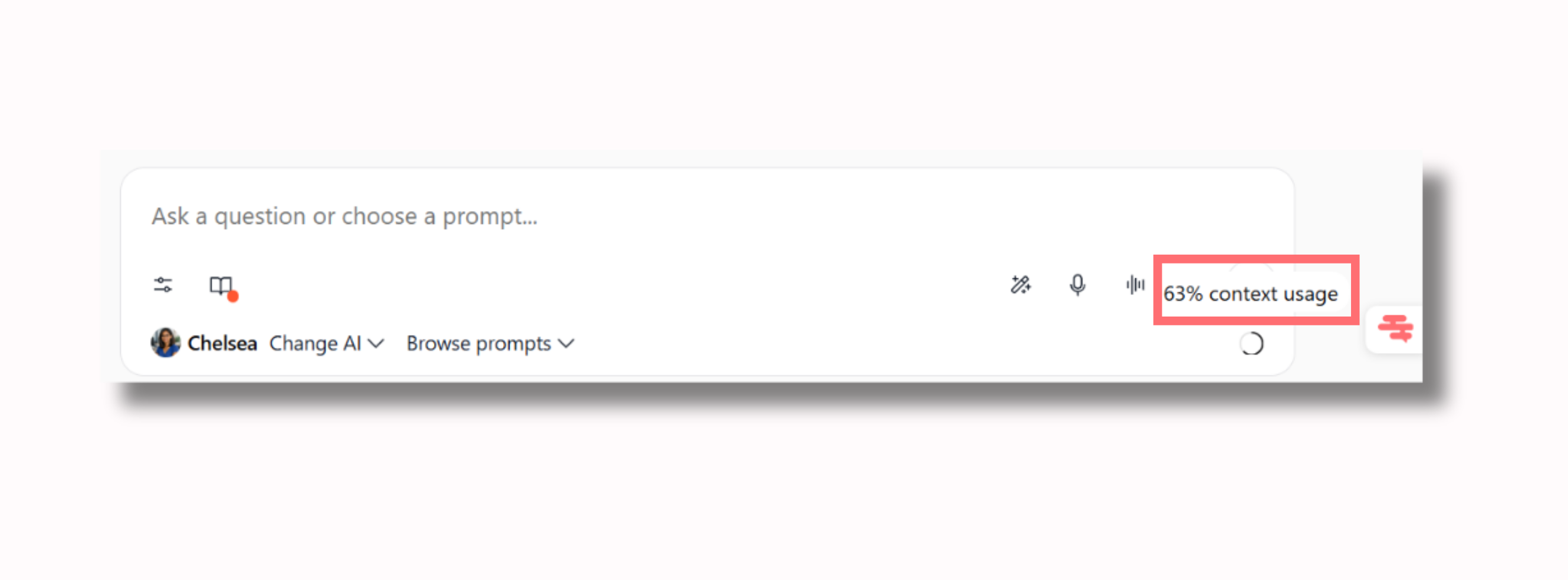
1. An indicator tells you when to open a new conversation
A conversation that gets too long eventually loses accuracy: the AI forgets an instruction, mixes up details, or hallucinates. A percentage is now displayed at the bottom of the conversation — when it goes up, open a new one and start fresh.
The rule of thumb: one conversation per topic.
2. Redesigned Artifacts, and true control over published agents
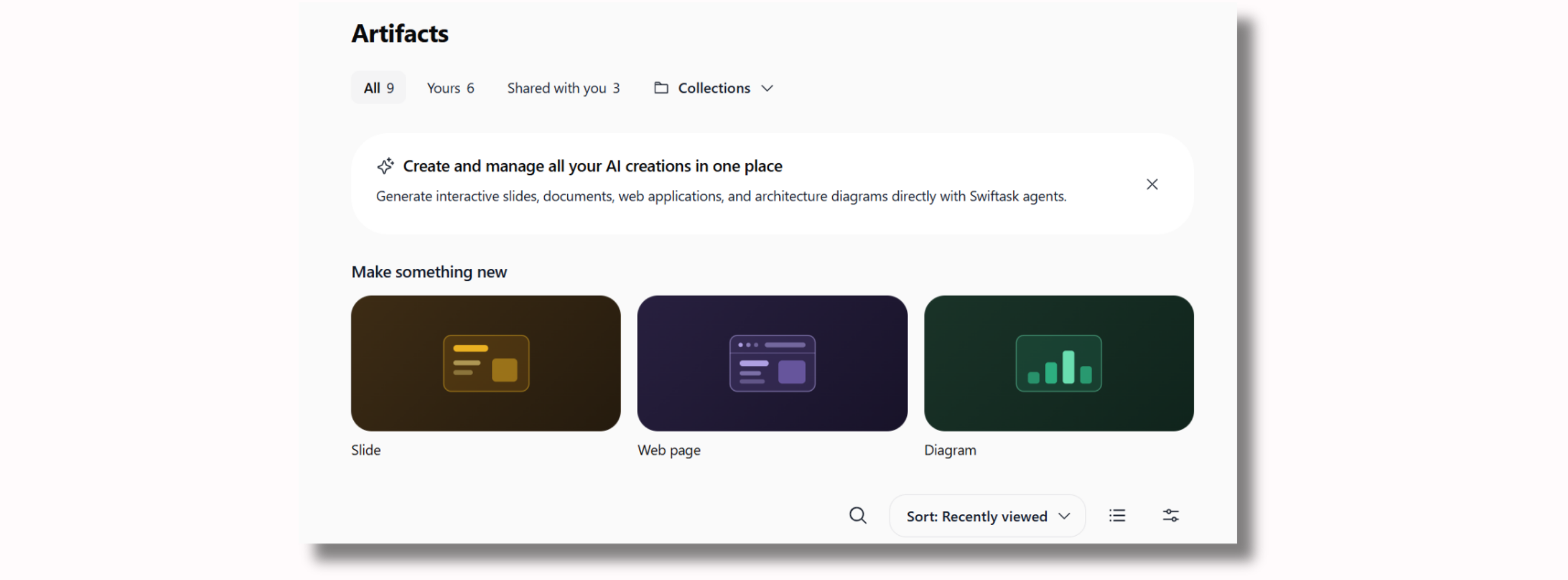
The Artifacts page is clearer to browse as presentations and web pages accumulate.
On the governance side, sharing is managed from Roles, and publishing an agent becomes a permission in its own right. Putting an agent online makes it accessible to people without a Swiftask account, with your knowledge base behind it and your credits running: this action is now restricted only to the people you designate.
The new External Public Agents page lists all your published agents — handy for spotting one that was forgotten.
Where to find it: Settings → Identity → Role → Permissions · Settings → Workspace Design → External Public Agents
3. Your workspace has its own login page
Your web address, your logo, and only the methods you choose (email, Google, Microsoft, or your SSO). No more hesitation when logging in, and a single link to send to newcomers.
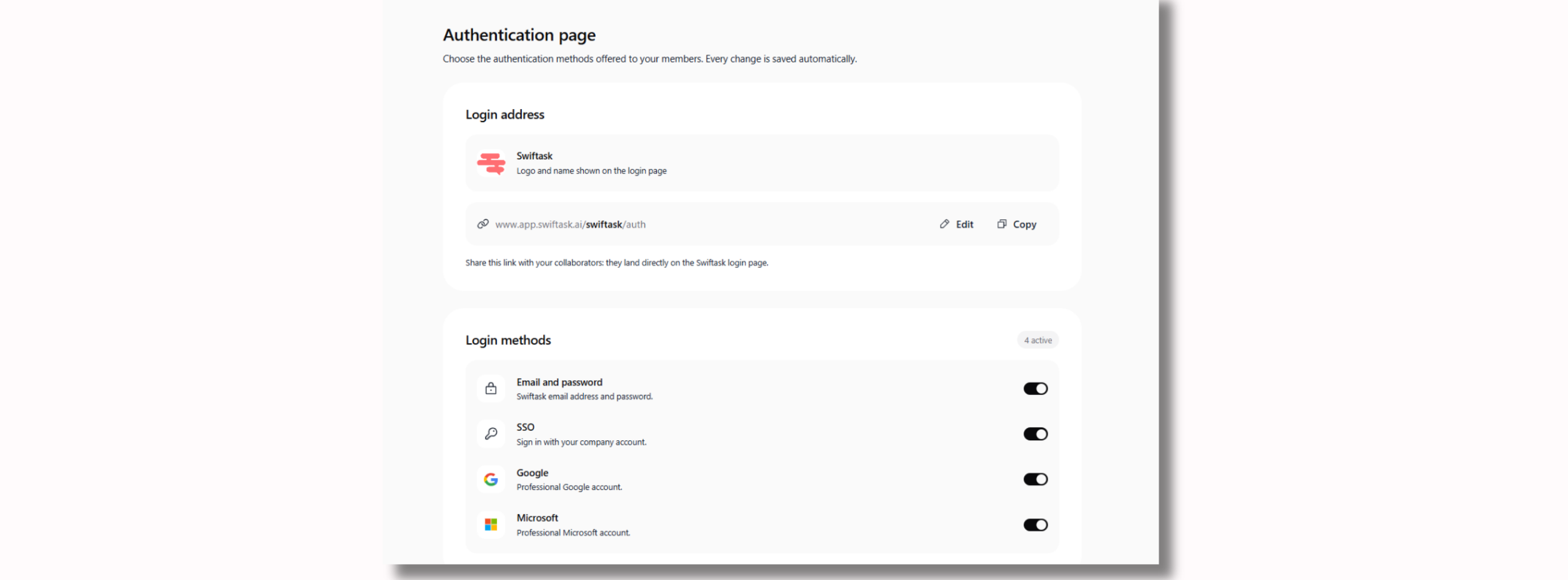
Where to find it: Workspace Authentication Settings
4. AI consumption, now visible by group
You can finally see which teams use AI the most, and which ones haven't started yet. Check it once a month: it's often where you discover that a single use case accounts for half the budget.
Where to find it: Dashboard → Usage by Group
Head to your workspace to test all this out. More updates coming soon 😉