Introduction to Artifacts
Written By Stanislas
Last updated 16 days ago
Create professional presentations, web pages, and diagrams with AI assistance in minutes. Artifacts are interactive, AI-generated content that you can view, edit, iterate on, and share with your team.
Overview
Artifacts are a powerful way to generate professional content without design or coding skills. Instead of building slides manually or writing code, you describe what you need and Swiftask's AI creates it for you—complete with layouts, design, and content.
Think of Artifacts as your personal content creation studio. Whether you need a marketing presentation, landing page, product showcase, dashboard, or workflow diagram, you can create it in minutes by having a conversation with AI.
When to use artifacts
Use Artifacts when you need to create:
Professional presentations – Pitch decks, training materials, executive summaries, product launches
Interactive web pages – Landing pages, portfolios, product showcases, event pages
Interactive diagrams – Flowcharts, process maps, sequence diagrams, system architectures
Dashboards – Visual displays of metrics, data, and key business information
Artifacts are ideal when you want professional-quality output fast, without needing design or development expertise.
Types of artifacts
Swiftask supports three types of artifacts:
Presentations (slides) – Generate complete presentations with multiple slides, custom layouts, and professional design. Perfect for pitches, training, and executive summaries.
Web pages – Build fully functional, interactive web pages and dashboards. No coding required. Ideal for landing pages, portfolios, and internal dashboards.
Diagrams – Create editable visual flowcharts, sequence diagrams, and architecture maps powered by an interactive canvas. Ideal for engineering, project workflows, and hierarchies.
Accessing artifacts
To access your Artifacts library:
Click Artifacts in the left sidebar.
You'll see your Artifacts library with all your created content.
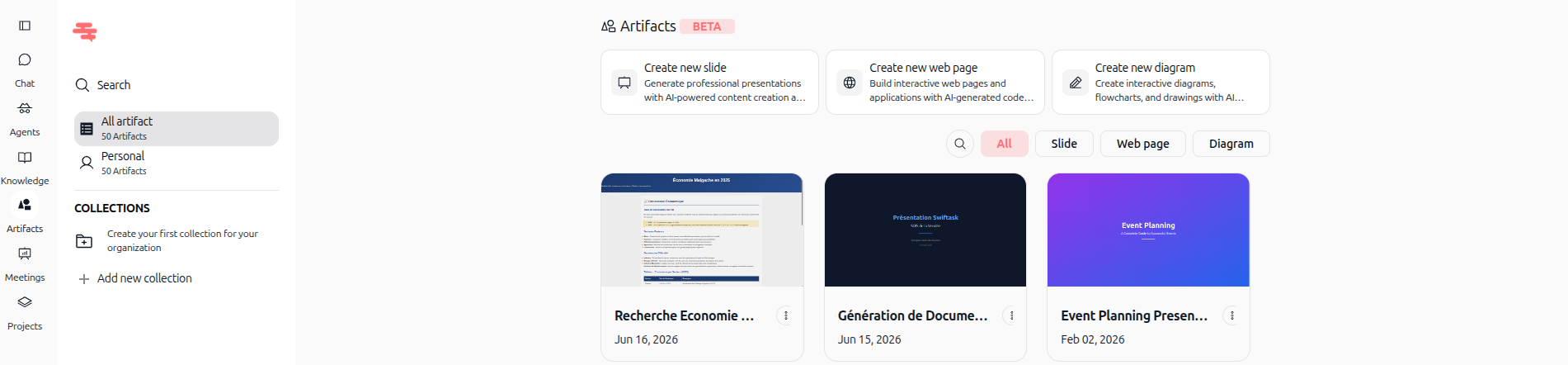
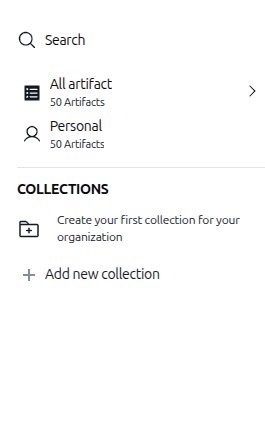
As shown in the image above, the Artifacts section displays:
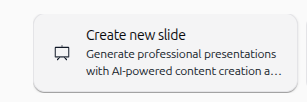
Create new presentation button – Generate professional presentations with AI-powered content creation and design assistance
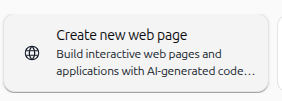
Create new web page button – Build interactive web pages and applications with AI-generated code and layouts
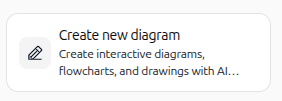
Create new diagram button – Generate editable diagrams, process maps, and flowcharts
All artifacts – View all your created artifacts
Personal – View only your personal artifacts
Collections – Organize artifacts by project or category
Filter tabs – Filter by type: All, Slides, Web pages, or Diagrams

Set default agents in workspace settings:
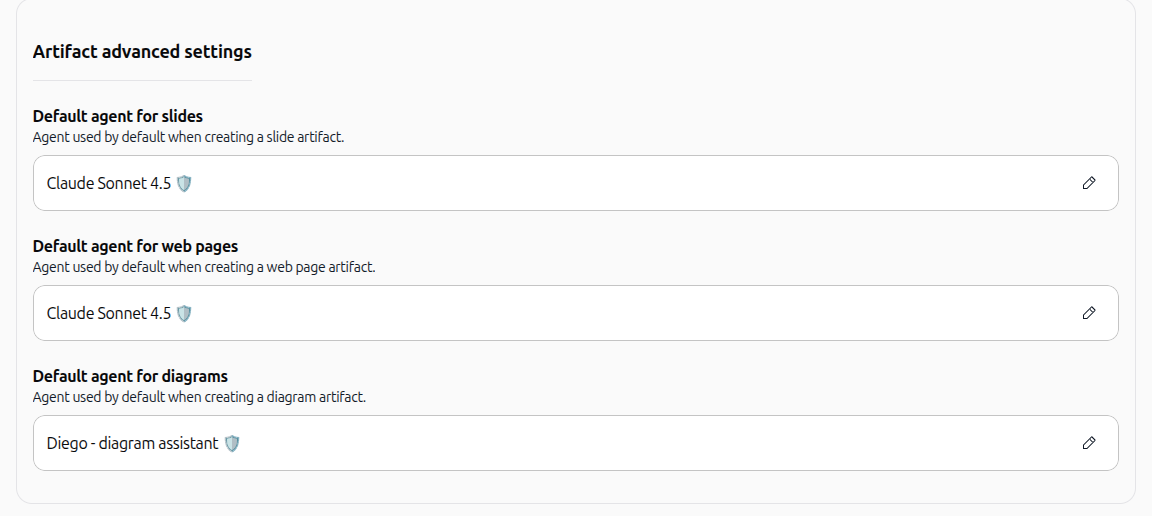
You can also define workspace-wide default agents under Workspace settings > Defaults agent & AI > Artifact advanced settings. This ensures team members automatically generate content with the recommended model:
Default agent for slides: Sets the AI agent automatically selected when creating a slide artifact (click the pencil icon to choose a different agent or model, such as Claude Sonnet 4.5).
Default agent for web pages: Defines the default AI agent used for building interactive web pages and dashboards.
Default agent for diagrams: Specifies the default assistant for generating technical diagrams and flowcharts (e.g., Diego - diagram assistant).
What you can do with artifacts
Once you create an artifact, you can:
View it – See your artifact in a live preview or full-screen mode.
Edit it – Make manual changes to text, colors, layouts, and content directly without AI assistance.
Iterate with AI – Ask AI in the chat to modify, enhance, or redesign your artifact based on feedback.
Share it – Share the link with teammates or assign roles (User, Admin, Owner).
Export it – Download presentations as PDF or PPTX, export diagrams as PNG or SVG, and export web pages for use elsewhere.
Organize it – Save artifacts to collections for easy access and management.
Key benefits
Speed – Create professional content in minutes, not hours or days.
No design skills needed – AI handles the design and layout for you.
Easy iteration – Make changes by describing what you want; AI updates the artifact.
Team collaboration – Share artifacts with teammates and gather feedback.
Professional quality – AI ensures your content looks polished and professional.
Tips for getting started
Be specific – Describe your artifact in detail. Include the purpose, style, target audience, and key content you want.
Use examples – If you have a reference or example of what you want, mention it in your description.
Iterate gradually – Create a base version, then ask AI to refine it step by step.
Organize with collections – Create collections early to keep your artifacts organized as you build more.
Ready to create your first artifact? Head to the Artifacts section and click "Create new presentation", "Create new web page", or "Create new diagram" to get started. Swiftask will guide you through the rest.
Additional resources
Creating presentations – Generate and edit slide decks with AI
Creating web pages – Build interactive landing pages and web applications
Creating diagrams – Design and edit visual flowcharts and system architectures
Creating an Artifact – Step-by-step artifact creation guide
Editing and Iteracting with AI – Refine your artifacts with AI chat feedback
Generate branded slides from your visual identity – Apply custom brand guidelines to slides
Was this helpful?
Still need help? Ask the team